
How to Build a Brand AI Avatar: 3 Things to Prepare Before an Interactive Avatar Goes Live
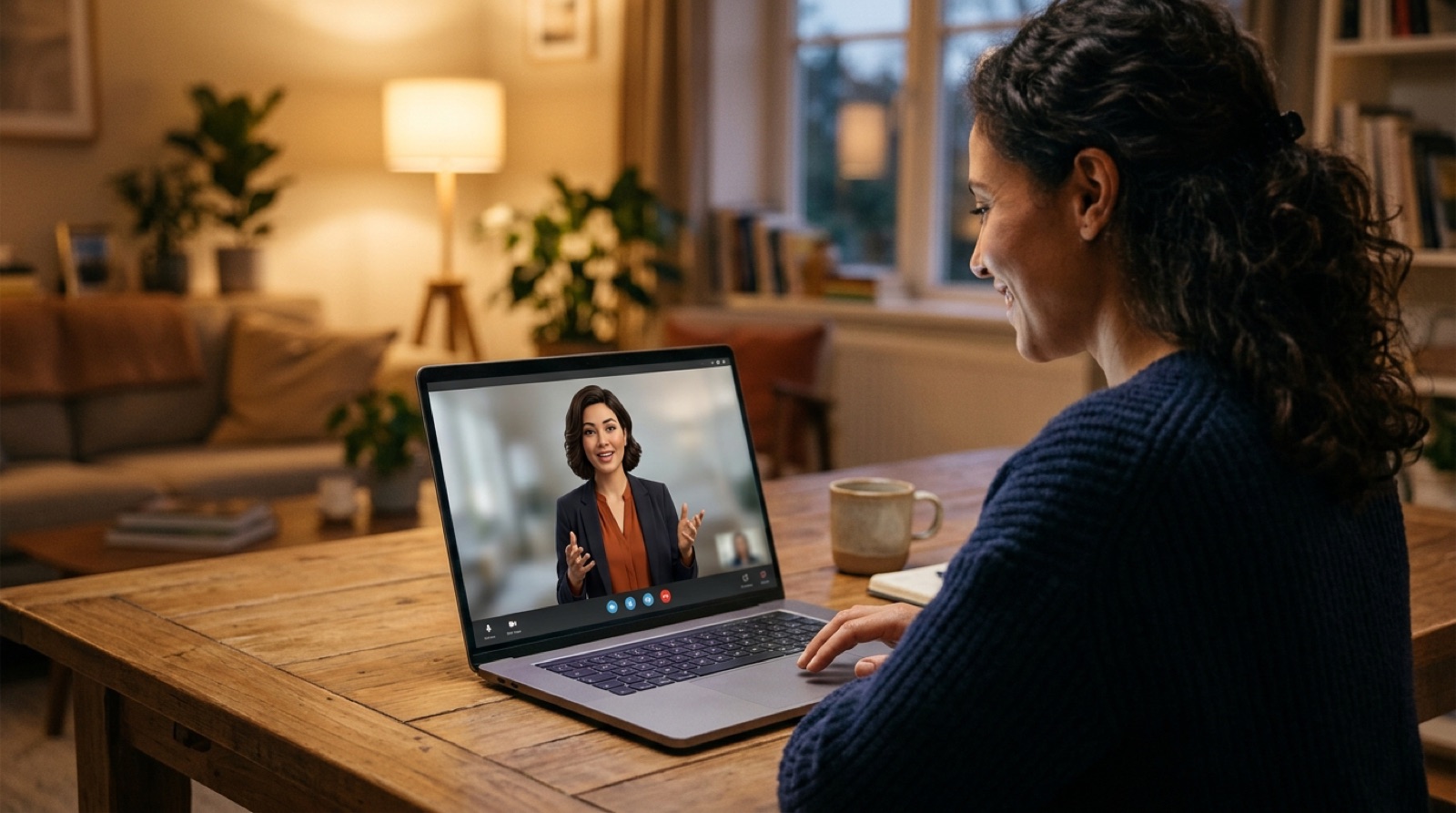
Virtual presenters in AI video are moving from reading scripts to holding conversations. In a hands-on piece at the end of September, a TechCrunch reporter had Synthesia build an interactive double of herself: one studio session and a two-minute voice recording, and within a couple of days the avatar could listen to questions and answer in her voice. The same month, HeyGen released open-source examples that connect a real-time speech model to its LiveAvatar presenters, including a customer support agent. For brands, the AI avatar is no longer just a tech demo. A founder can answer common questions on the website, and new sales staff can practice pitches with a virtual client. But before you let one speak on your behalf, three things need to be ready.
AI Avatars From Scripts to Conversations: Where Brands Can Use Them

Today's virtual presenters come in two kinds. Script-based avatars say what you write, which suits product introductions, tutorials and multilingual versions. Interactive avatars listen and respond, combining speech recognition, a language model and speech synthesis behind the scenes.
The TechCrunch report mentions uses already in play: interactive training videos for enterprises; employees practicing sales pitches with an avatar that responds and scores their answers (Synthesia calls these Roleplay Sessions); and even an "AI press officer" Synthesia built to answer common media questions. HeyGen's examples show a language tutor and a customer support agent.
For small and mid-sized brands, the most practical starting points are usually three: FAQs on the website or product pages, training for staff and resellers, and brand introductions that need several language versions.
Step One: Who the Avatar Is, Who Consents, and How It Is Recorded

First decide whose face and voice the avatar uses. A founder or employee feels most personal, but it involves a real person. TechCrunch's test began with the reporter's own consent, and brands should put this in a written agreement that covers at least:
- Use and scope: which channels and topics, and whether it can appear in ads.
- Term and withdrawal: what happens to the avatar when an employee leaves or a partnership ends, and how quickly it comes down.
- Custody of source material: where the original footage and voice files are stored and who can access them.
Source quality decides avatar quality. In the test, the script-reading avatar's voice was "fairly accurate," while friends said the interactive version did not sound much like her. HeyGen's Professional Voice Clone requires at least 20 minutes of recordings. In short, a closer likeness takes a fuller recording. If you would rather not use a real person, you can design a brand character instead; we covered how to prepare one in Same Face, Every Video.
Step Two: Define What It Can and Cannot Say

The biggest risk with an interactive avatar is that it says the wrong thing where you cannot see it. The TechCrunch test offers a useful design: the avatar was trained on a single article, and when questions went out of scope, such as where the reporter worked before or which part of New York she lives in, it steered back to the article. The reporter also noted that a more open-ended chatbot version could be less predictable.
Brands can set boundaries the same way:
- Give it a reviewed knowledge scope: product specs, pricing policy and FAQs, not the whole internet.
- List topics it will not answer: personal privacy, unreleased information, legal or medical advice, comments on competitors.
- Design an exit to a person: complaints, refunds and complex requests go straight to human support or a booking form.
- Review conversation logs regularly: see what it got wrong and add it to the knowledge scope.
Step Three: Disclose Clearly and Guard Against Impersonation
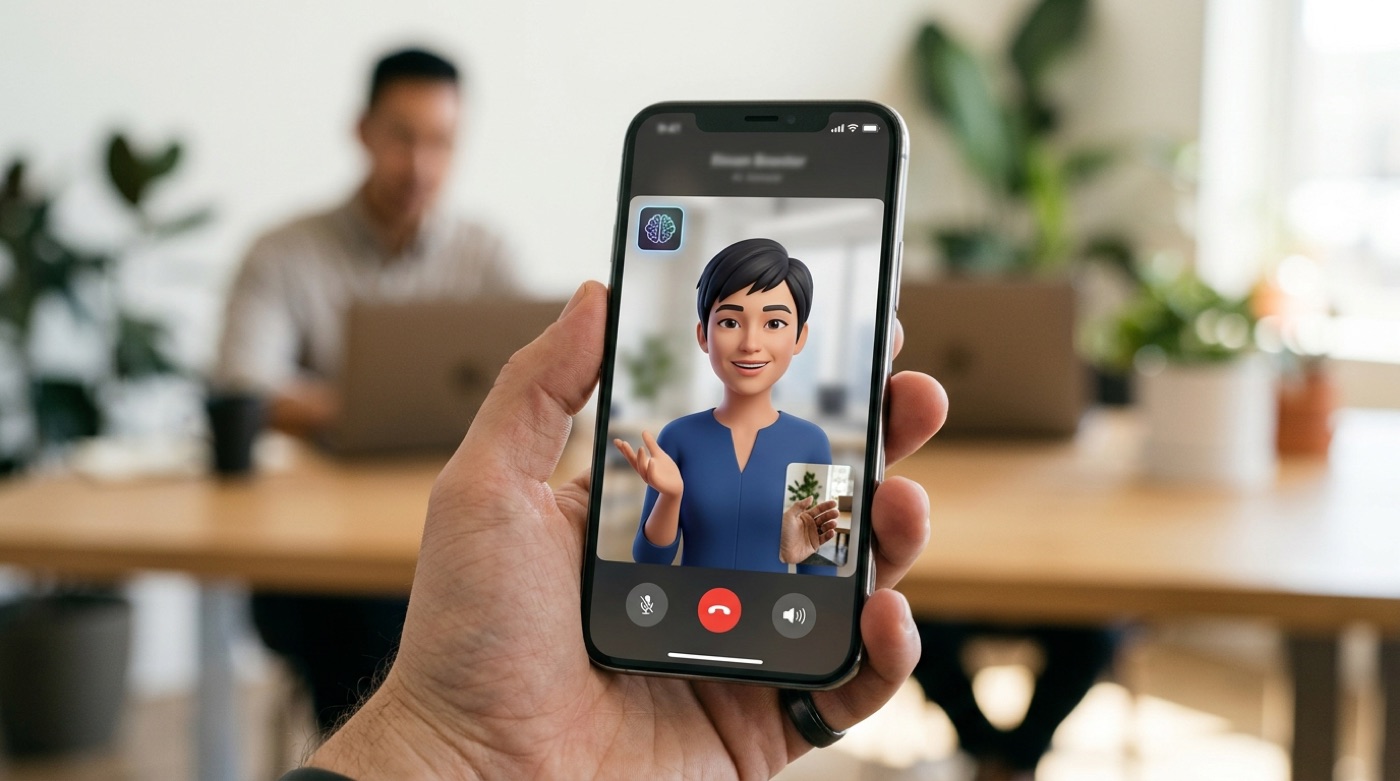
Viewers have a right to know they are talking to AI. Labeling the avatar as an AI presenter wherever it appears builds more trust than explaining after someone finds out. If videos go on YouTube or other platforms, disclose AI-generated content according to each platform's rules.
The other side is impersonation. Once a brand publishes a founder's digital double, it becomes easier for others to get material to imitate. State on your website which channels the official avatar appears in, that it will never message people asking for payment or personal data, and have a response plan ready for fakes. We covered brand protections in Your Brand Could Star in a Fake AI Video.
Conclusion

An AI avatar lets a brand answer questions around the clock and in many languages, and frees training from trainers' calendars. But every sentence it says will be taken as the brand speaking. AI handles perfection, people handle emotion: let AI take the repetitive, predictable answers, and keep judgment, feeling and commitments with real people. If you want to plan an AI avatar, interactive video or a website Q&A system for your brand, see TitApeX's services or talk with us.
Comments