
Same Face, Every Video: Building a Brand Character for AI Video
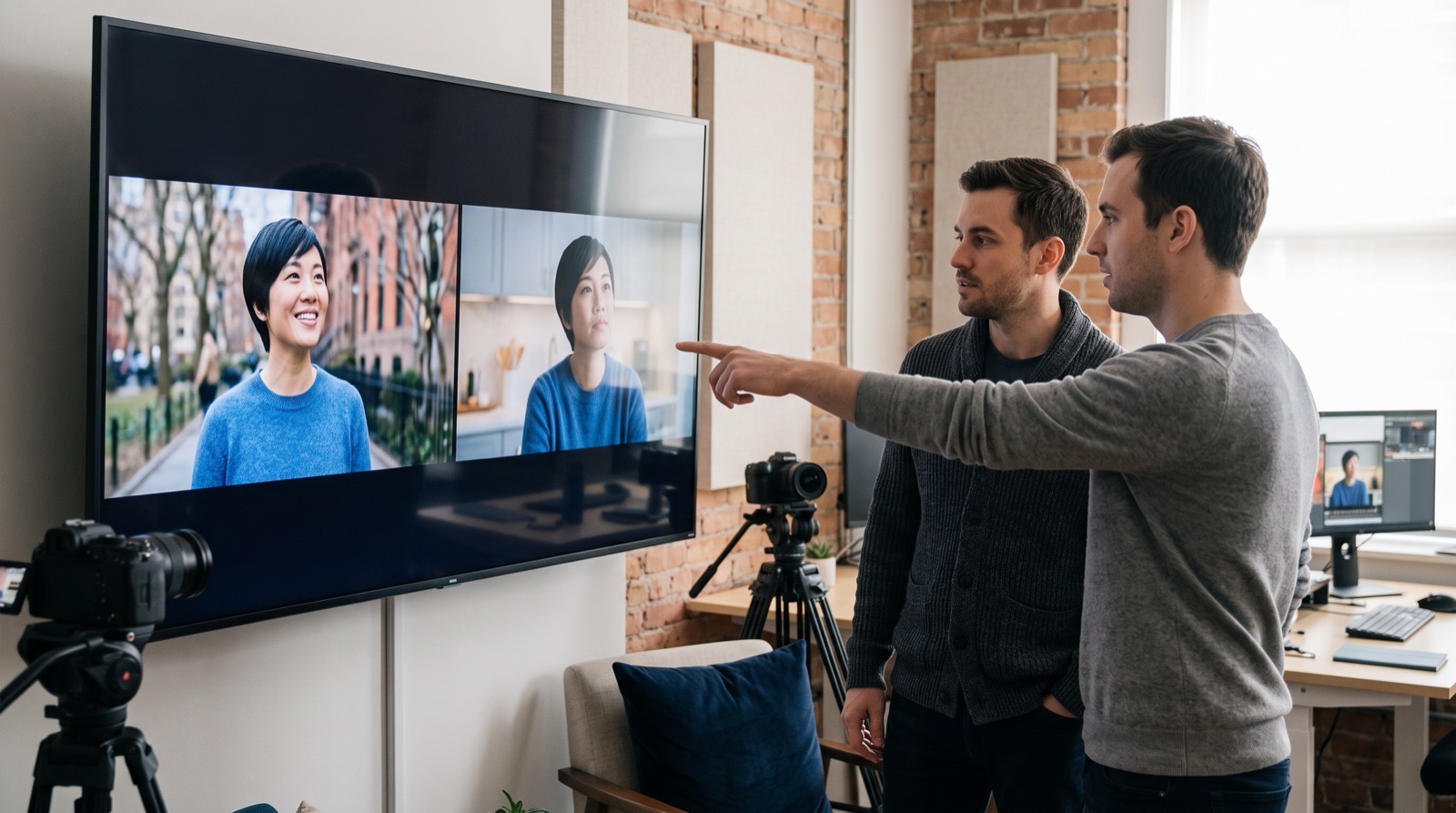
Anyone who has made video with AI knows the problem: the lead in your first clip shows up with a different face in the second. Until recently the only fix was to regenerate and hope. In 2026 the mainstream tools have turned "remember this character" into a proper feature. Kling's Element Library binds a look and a voice to a character, and Ingredients to Video in Google's Veo 3.1 keeps a character looking the same when the setting changes. AI video character consistency has moved from a technical headache to something you can plan for. For brands, that makes a recurring spokes-character possible, provided the character is defined first. This article covers what the tools can do now and the character kit a brand should prepare.
AI video character consistency goes from luck to built-in feature
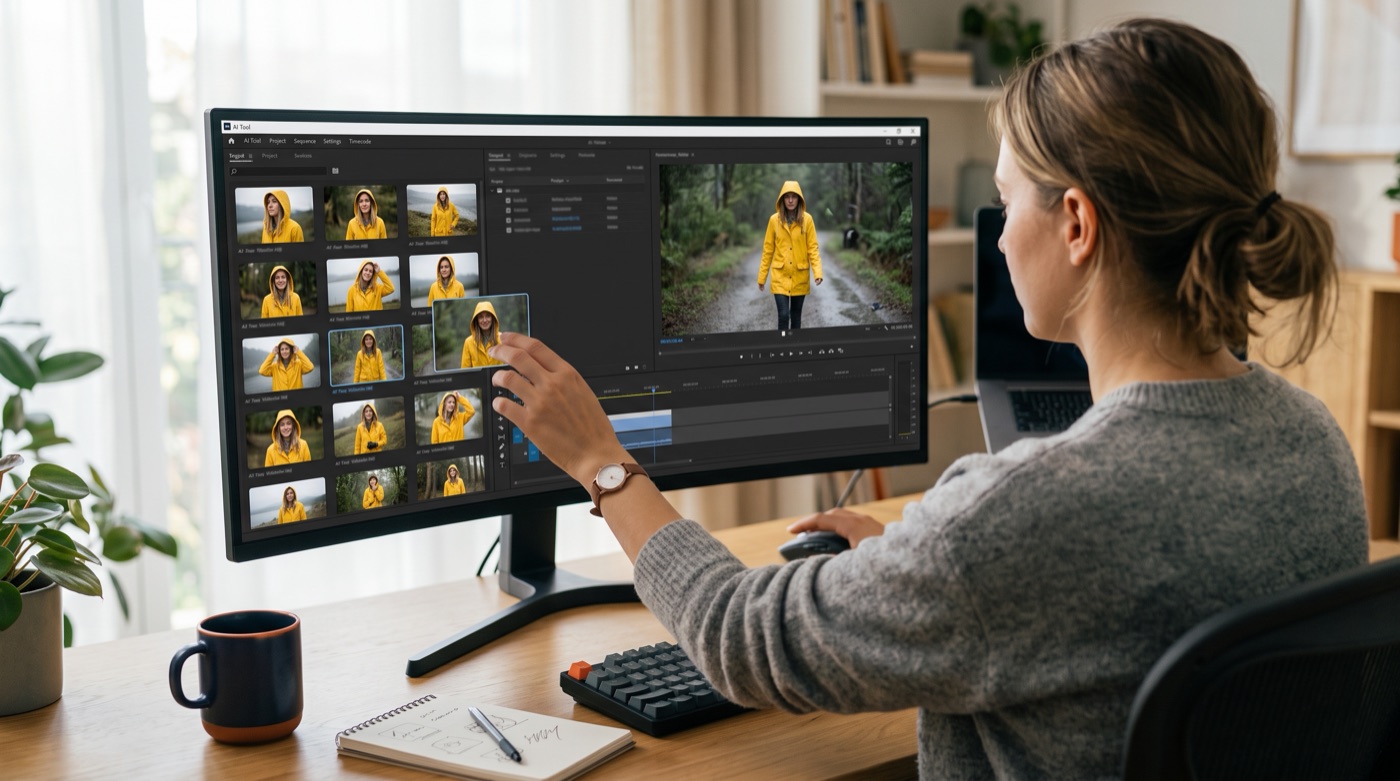
The major tools take different routes to the same place: save the character once, then call it up in every generation.
- Kling Element Library. According to the official guide, elements come in six categories: characters, animals, props, costumes and accessories, scenes and special effects. A character element can be built from one main image plus one to three supporting images, or from a 3 to 8 second clip showing multiple angles. You can also bind a 5 to 30 second voice sample so the character looks the same and sounds the same across videos.
- Google Veo 3.1. Google updated Ingredients to Video in January, stressing that characters keep their identity as the setting changes, that objects, backgrounds and textures can be reused across scenes, and that vertical output is native. The feature is guided by up to three reference images.
- Seedance 2.5 and Kling 4.0. The amount of reference material you can supply keeps growing. OCDevel's overview notes that Seedance 2.5 accepts up to 30 images, 10 videos and 10 audio clips as references in a single generation.
The same overview makes a point worth remembering: professional workflows that need tight consistency still start from images and then generate video. In other words, the quality of consistency depends on the references you put in.
Why a brand benefits from a recurring character
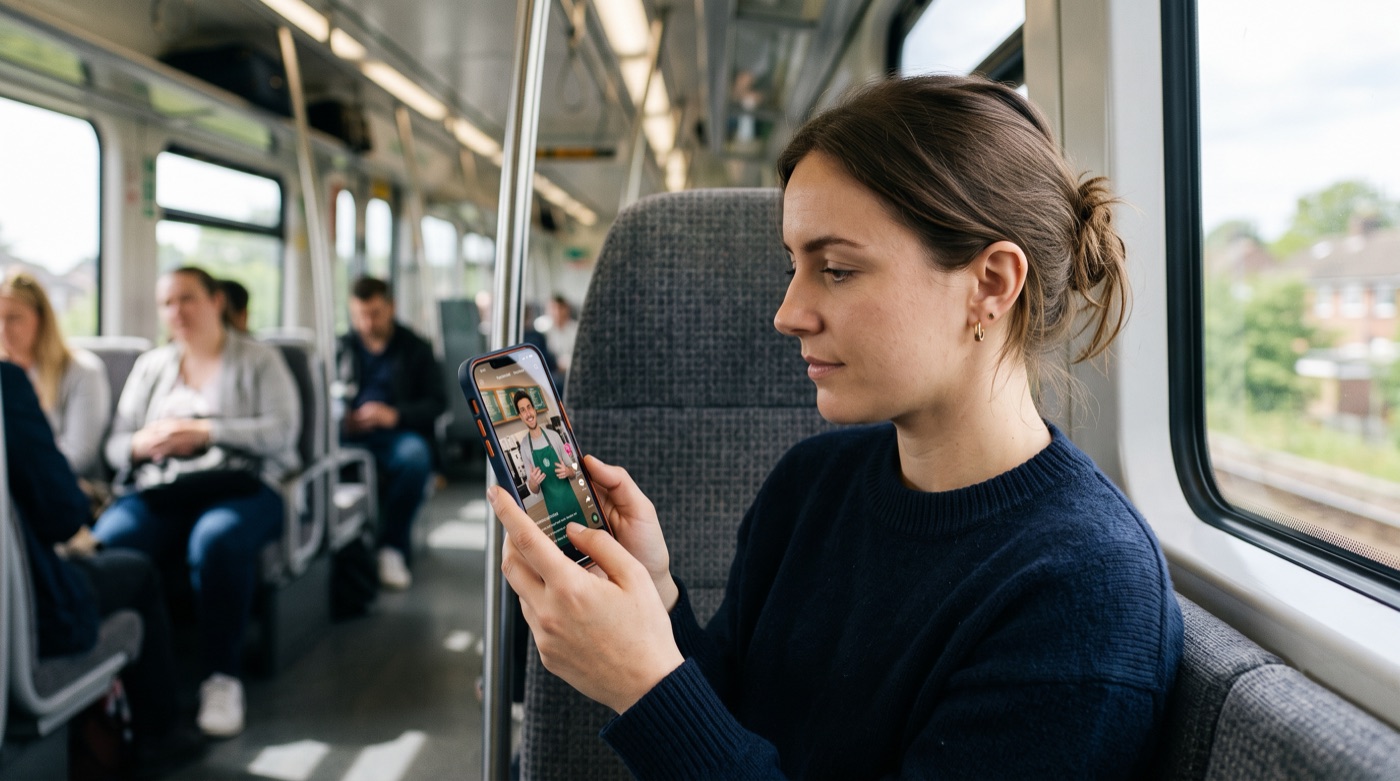
Short-video viewers scroll fast, and what stops them is often a face they recognize. A recurring character lets ten videos add up to one impression instead of ten introductions from scratch.
That used to require signing a spokesperson or a long-term actor and scheduling every shoot around them. Now a brand has two options:
- A fictional character. Design an original person or mascot the brand owns outright.
- A licensed real person. Build on a founder, store manager or contracted actor, generating content within the limits of written consent.
Both work, and both share one precondition: the character has to be defined first, clearly enough that any colleague using any tool produces the same person.
Building a character kit: four things
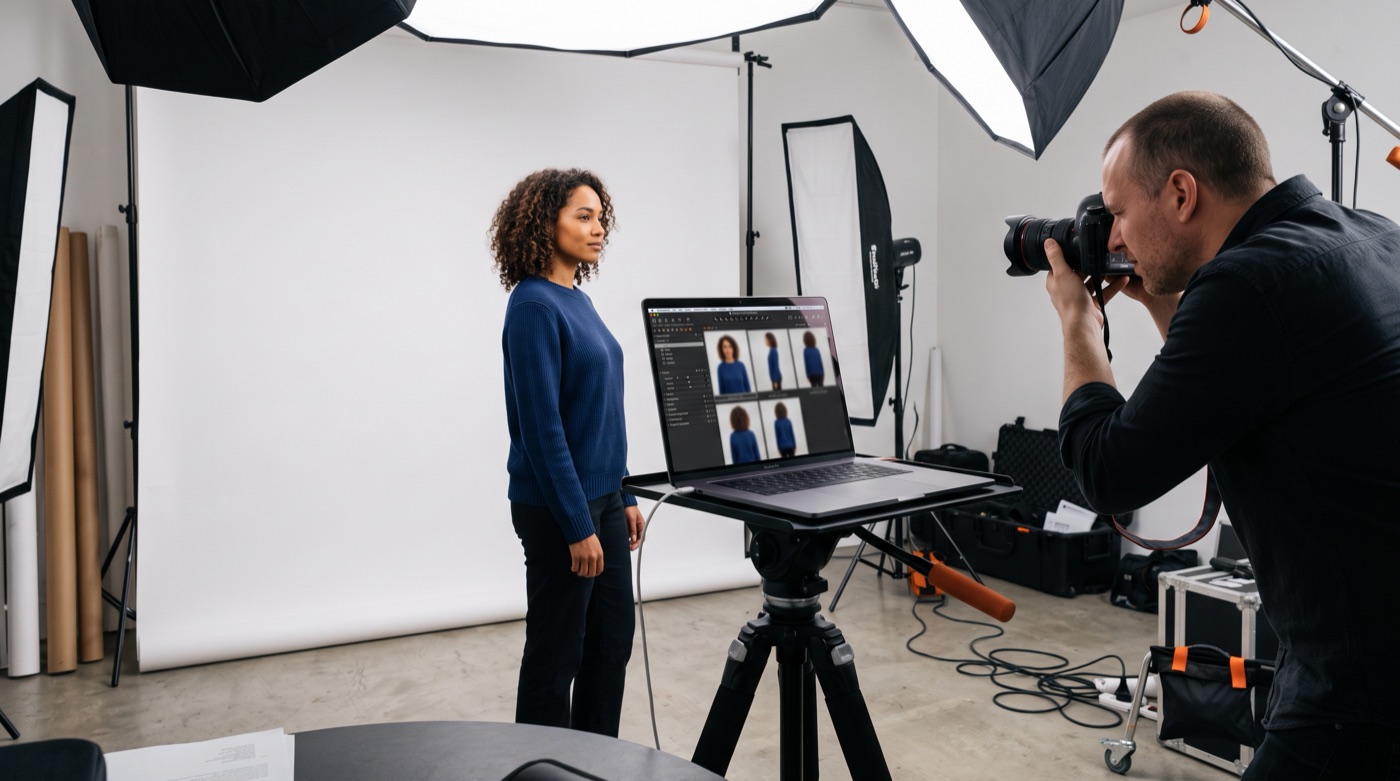
1. Multi-angle reference images
Front, side and back, plus two or three common expressions. Clean background, even light, nothing covering the face. Every tool takes this input, and its quality decides the result.
2. A fixed outfit and props
Settle the character's "uniform": the color and cut of the clothes, the hairstyle, what they carry. Save the outfit as its own element so a seasonal change touches only that item, not the face.
3. A clean voice sample
If the character speaks, record a sample with no background noise, a moderate pace and a steady tone. Kling recommends 5 to 30 seconds. Voice is half of a character's identity, so do not let it drift from video to video.
4. A one-page character brief
Name, apparent age, personality, way of speaking, what they would and would not do. This page is for people to read and it is the basis for every prompt.
Do not skip consent
Using a real person's face and voice requires written consent that spells out purpose, duration and the range of content that may be generated. A fictional character should not closely resemble a real celebrity. These records are part of the character asset, just like the reference images.
Review before publishing: AI generates, people recognize

The tools are better, but consistent does not mean correct every time. Long takes, wide turns and shots with several people can still pull a character off model. Before publishing, check three things against the reference sheet:
- Face: proportions, hairstyle and skin tone have not shifted.
- Outfit and props: colors, logo placement and accessories have not vanished or warped.
- Voice and lip sync: the voice matches and the mouth movement lines up.
The division of labor looks like this:
- AI handles: generating new scenes and angles from the kit, holding the look and voice, turning out multiple versions quickly.
- People handle: deciding who the character is and what they stand for, judging whether it still looks like them, confirming consent and labeling, deciding when the character should and should not appear.
Keep the source files of the kit in your own hands, not only inside one tool's library. As we argued in What Sora's Shutdown Teaches Brands, models change and portable assets are the ones that last. For planning longer clips, see AI Video Hits 30 Seconds.
Conclusion: the character belongs to the brand, not the tool

Once a tool can remember a face, the questions a brand has to answer are who that face is, why this one, and whether the way they speak sounds like us. No model can answer those for you. That is what TitApeX means by "AI handles the perfect, people handle the moving": let AI carry the same character reliably into every video, and leave the character's soul to people.
If you would like to design a character of your own and build a kit you can use for years, take a look at our services or get in touch.
Comments