
AI Video Hits 30 Seconds: Why Brands Need a Storyboard Before They Generate
A single AI video shot is stretching from a few seconds to half a minute. Kuaishou's Kling opened early access to Kling 4.0 on September 28, doubling the maximum length of one generation from 15 to 30 seconds, with the full model due in October. ByteDance's Seedance 2.5 has supported audio-video generation of up to 30 seconds since late July. A 30-second AI video is exactly the length of a standard ad, which means brands can, for the first time, generate a piece with a beginning and an end in one pass. Once the clip gets longer, though, the test is no longer the model. It is whether you arrived with a storyboard and the right assets. This article covers what changed in this round of updates and what a brand should have ready before generating anything.
30-second AI video becomes the new standard: what changed
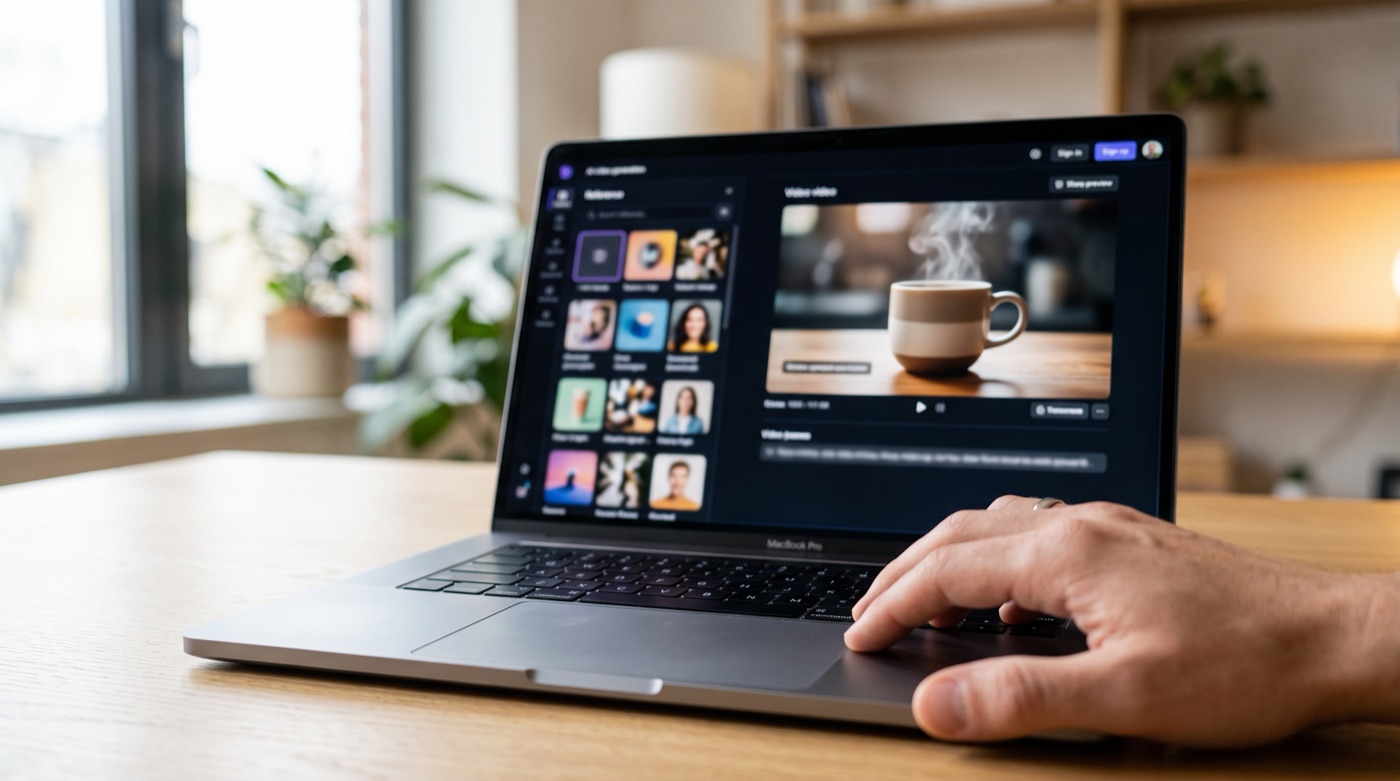
According to Kling's own guide, Kling 4.0 natively generates clips of 3 to 30 seconds and sharply raises the scale of reference material. One generation can take up to 15 reference assets, including up to 10 images (character turnarounds, storyboards, wireframes) and up to 5 videos, plus voice references that fix a character's vocal identity. The timeline accepts up to 10 keyframes, and prompts can run to 8,000 tokens. Kling also says character consistency across camera angles and lighting has improved.
Kling is not alone. Magic Hour's release tracker lists Seedance 2.5, launched July 31, with audio-video generation of up to 30 seconds, multi-round extension and broader reference workflows. MiniMax and Lightricks shipped updates in the third quarter as well. The direction is consistent: longer clips, native audio, more references going in, and finer points of control.
Longer clips change the question from "can it generate" to "does the story land"
A clip of a few seconds only needed one good-looking image. Brands generated many short pieces and stitched them together, so the storytelling happened in the edit.
Thirty seconds is different. It needs an opening, a turn and an ending. It needs a plan for when the product appears and when the camera moves in. Give the model a single line of prompt and it will fill those 30 seconds for you, with a rhythm, an emphasis and an ending you did not choose.
That is why the new models add keyframes and large reference sets at the same time. The tools themselves are telling you that long clips are controlled by design done in advance, not by re-rolling until something works. The longer the clip, the more time and credits each retry costs, and the more planning up front is worth.
Three things a brand should prepare first
1. A storyboard measured in seconds
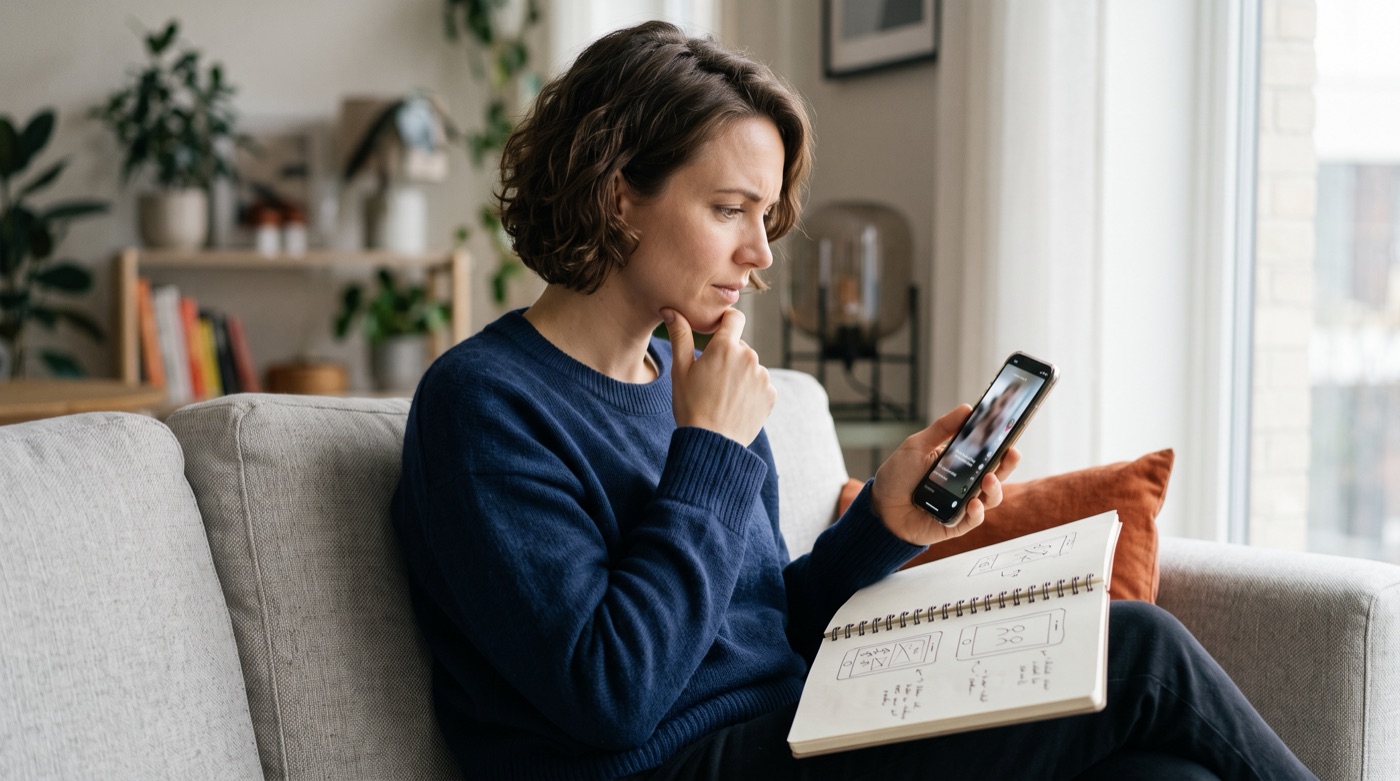
It does not have to be beautifully drawn. It has to answer three questions: how many beats do these 30 seconds break into, what should the viewer see and feel in each, and at which second do the product and brand identity appear? The 10-keyframe limit maps neatly onto a storyboard of six to ten frames. Keyframes need a storyboard to come from.
2. A reusable reference library
The quality of your references decides whether the output looks like your brand. At minimum, prepare:
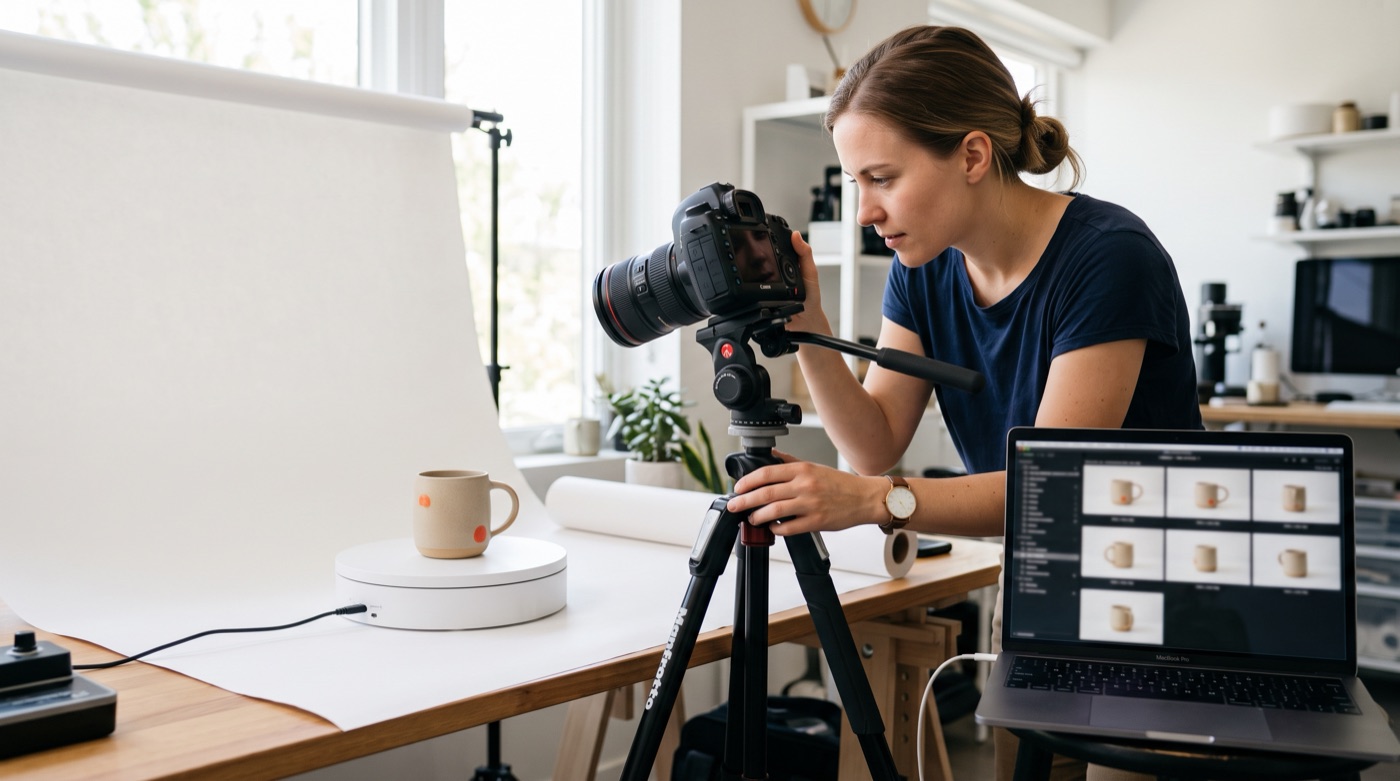
- Product: clean-background photos from several angles, including front, side, details and the product in use.
- People or characters: front, side and back views of the same person, with fixed wardrobe and hair.
- Setting and style: spaces, lighting and color references that carry the brand's tone.
- Voice: if the brand has a consistent narrator, keep a clean recording, and make sure you hold that person's permission.
Organize these once and every later video can use them. They also travel with you when you switch models.
3. A list of what must not appear
A long clip gives the model more room to improvise. Write down the limits first: the logo that must not distort, the product proportions that must not change, competitor elements that should not show up, situations that do not suit the brand. A reviewer working from a list is far faster than one working from instinct.
A practical workflow for 30-second AI video
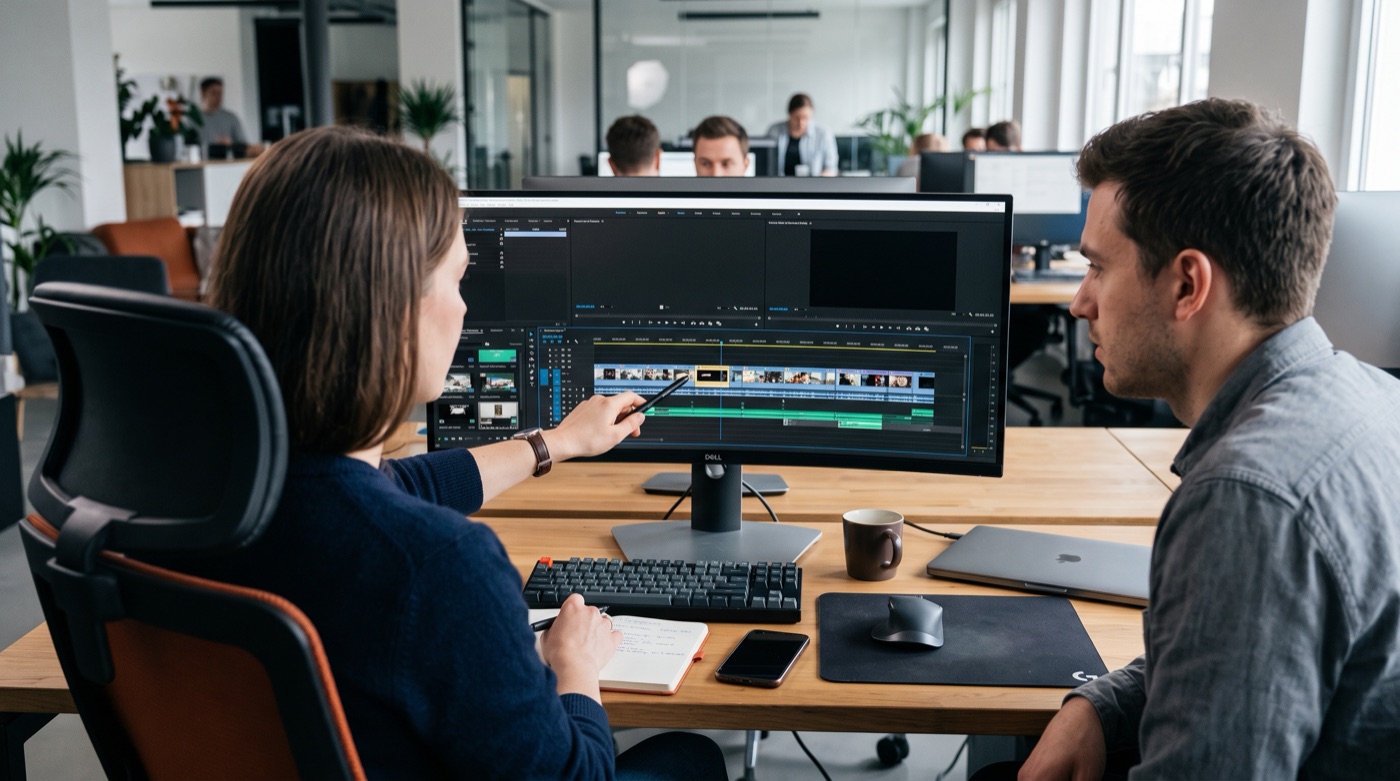
Put the three together and a 30-second piece runs roughly like this:
- Script and storyboard: write the one thing the viewer should remember, then break it into beats.
- Produce keyframes: use an image model or real photography to create and approve the key image for each beat. Fixing a still costs far less than regenerating a whole clip.
- Generate with references: feed in the keyframes with product and character references, test at a lower spec, and only render the high-quality version once the pacing is right.
- Human review: check against the limits list second by second, covering product, logo, hands and text, and confirm audio and lip-sync.
- Finish and label: add captions, the brand end card and any required AI-generated disclosure, then crop for each platform.
Steps 1 and 4 are entirely human work. AI has lowered the cost of making. It has not replaced deciding what to make or whether the result is good enough. These models also change quickly. As we argued in our piece on the Sora shutdown, storyboards and reference libraries that are not tied to one tool are the assets that last.
Conclusion: leave the length to AI and the story to people
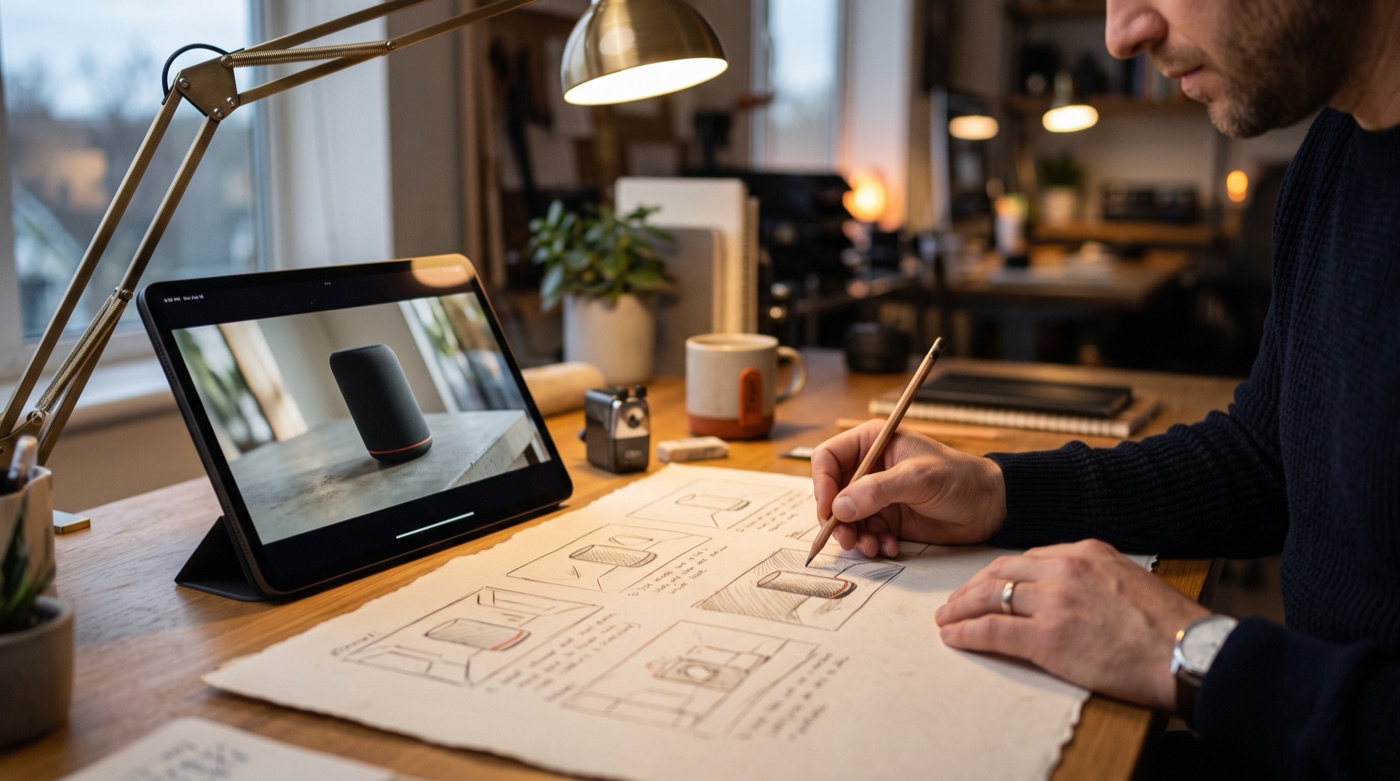
Thirty-second generation moves AI video a long way from raw material toward finished work. Whether the result looks like your brand and tells a complete story depends on what you prepared before pressing generate: a storyboard, references and clear limits. That is what TitApeX means by "AI handles perfection, people create emotion."
If you want a reusable AI video asset library and production workflow for your brand, take a look at our services or get in touch.
Comments