
How to Control Camera and Motion in AI Video: 4 Steps to Directing with Reference Videos
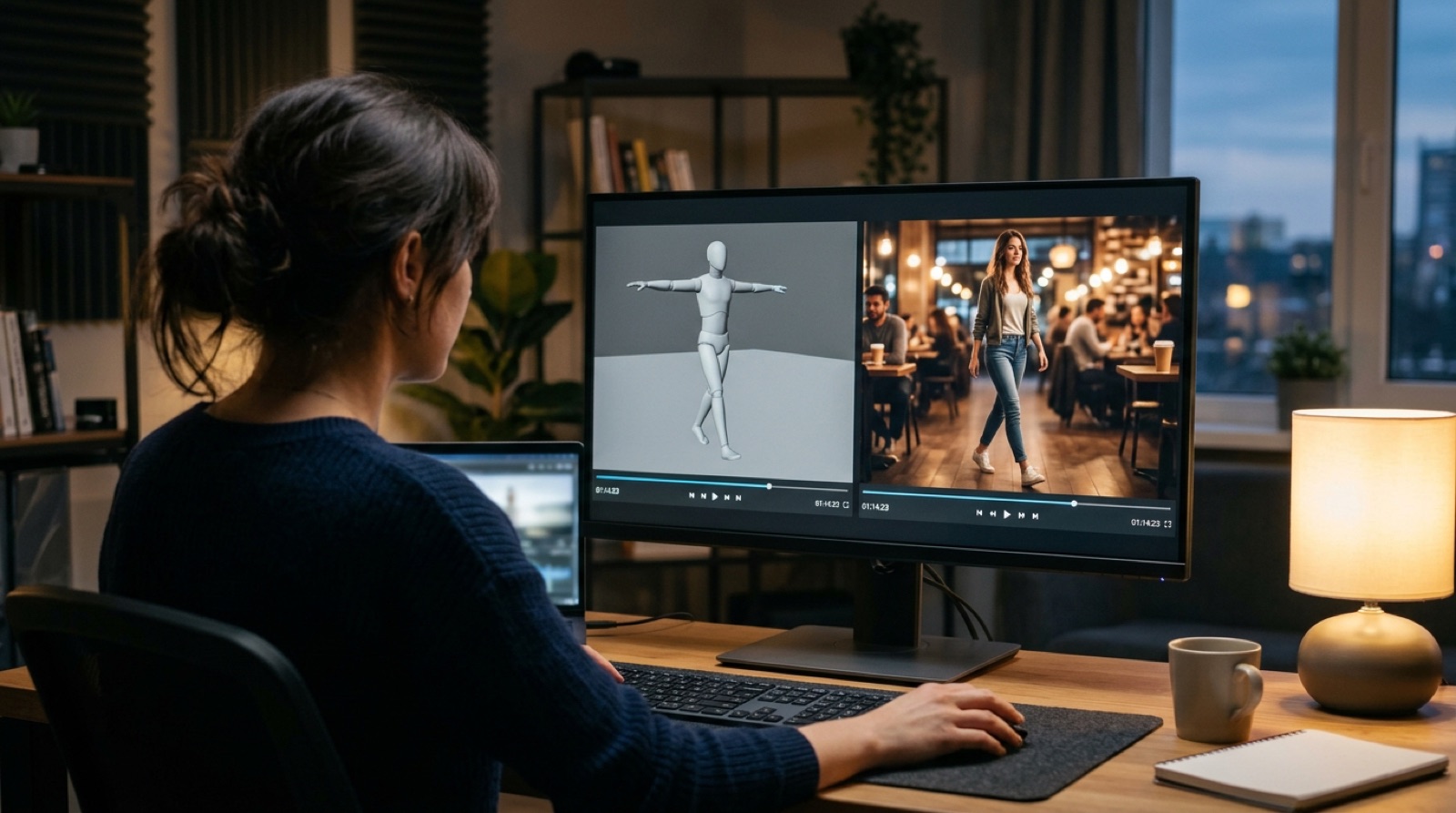
Describe "the camera pushes in slowly from behind, the lead turns, pauses for two beats, then smiles" in words, and AI video usually gets it almost right: the move is too fast, the turn goes the wrong way, the camera shakes where it shouldn't. In mid-October, Kling AI launched Kling 4.0 globally. Beyond native 30-second clips, it now accepts reference videos, including white-model and depth-map videos, to guide performance, motion, camera movement and pacing, plus up to 10 keyframes. AI video motion control is changing: instead of writing every movement as text, you can perform a rough version and let AI follow it. Here are four practical steps for brands.
Step 1: Shoot a Reference Video as the Base for AI Video Motion Control

A reference video doesn't need to be polished. According to Kling, Kling 4.0's Omni Reference accepts up to 15 references across images, video and audio, and motion and camera movement can be specified with white-model videos (simple grey 3D figures) or depth-map videos. Runway made the same point with Act-One: a simple at-home camera capturing an actor's performance can drive a generated character's expressions and timing.
For most brands, the easiest approach is:
- Block it out on a phone: have a colleague walk through the action in the office, and move the phone the way you want the camera to move.
- Use a white model when timing matters: product spins or a character approaching from a distance benefit from a simple 3D blockout.
- One reference, one job: think about performance and camera separately. A clip that tries to do everything is harder for AI to read.
Step 2: Mark the Story's Turning Points with Keyframes
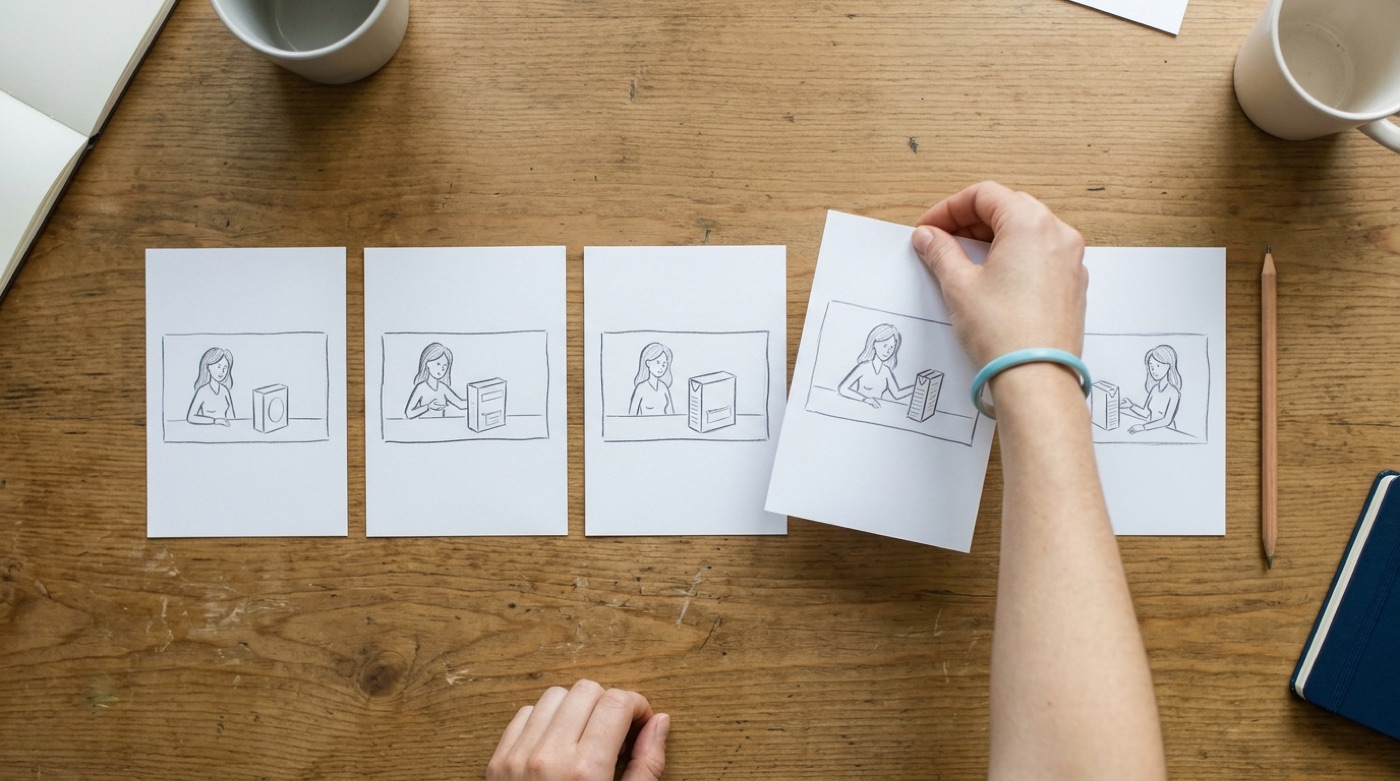
The reference video controls how things move; keyframes control where they land. Kling 4.0 lets up to 10 keyframe images set character states or scene changes, and the clip moves between them as planned.
You rarely need all ten. For a 30-second brand film, four or five usually do the job: the opening frame, the moment the product appears, the emotional turn and the closing shot. Every extra keyframe is another point to align and another place things can go wrong. If storyboarding is new to your team, start with AI Video Enters the 30-Second Era.
Step 3: Budget Your 30 Seconds of Reference Material
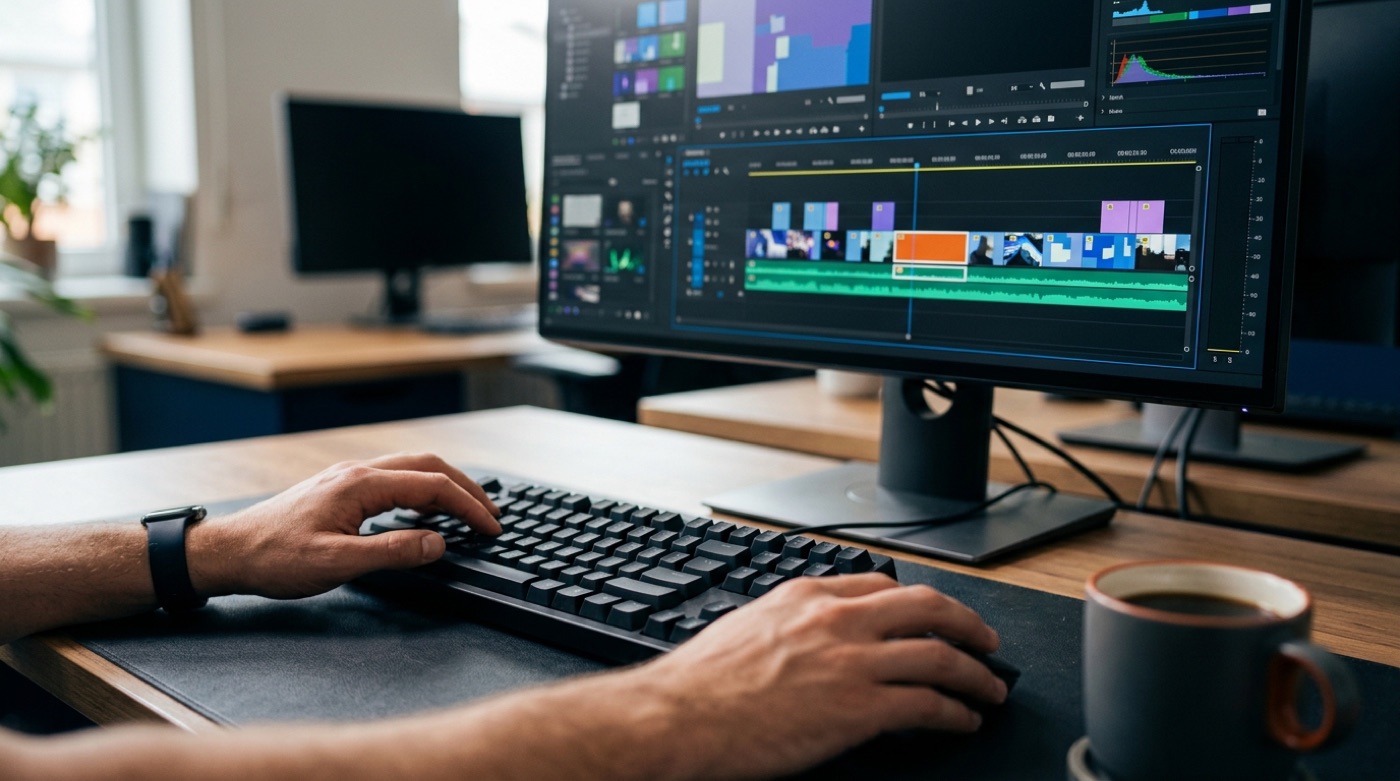
More references aren't always better. Per fal's summary of the specs, Kling 4.0 allows up to five video references totalling 30 seconds, and edit inputs are also capped at 30 seconds combined. fal's example: four stills plus a 12-second motion reference leaves 18 seconds of video allowance.
Before you shoot, decide:
- Which segment needs the most control: usually the product reveal and character interaction. Spend your allowance there.
- Which segments text can handle: establishing shots and transitions can rely on prompts and keyframes.
- Trim references first: upload only the seconds you want AI to follow, not the whole take.
Kling's own release also lists 10-bit HDR and 21:9 ultrawide as "coming soon," and enterprise API access is not fully open yet. Plan around what your account can actually use today.
Step 4: Clear Performer Consent and Keep Human Review
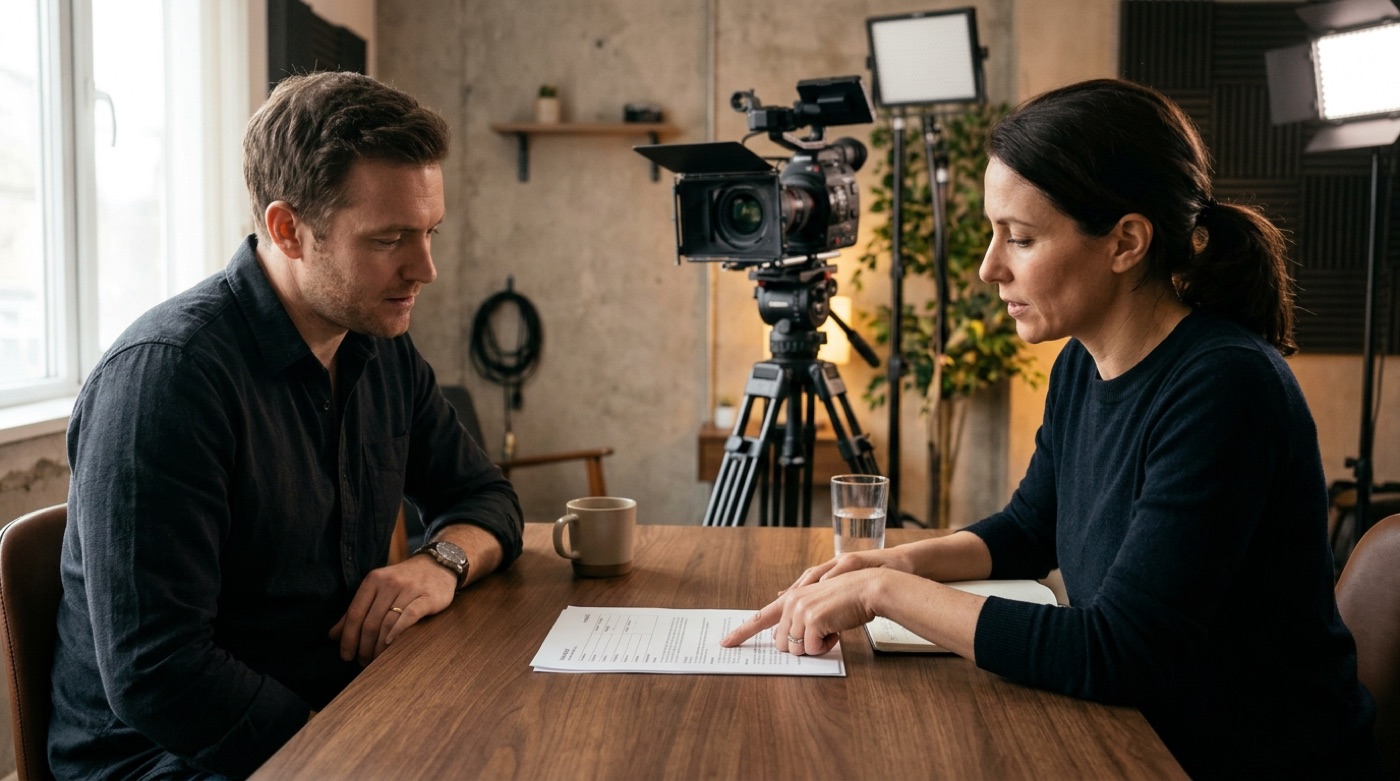
The person in your reference video is a real person. When a colleague's or actor's movements and expressions drive an AI character, get written consent first, covering usage, platforms and duration. Runway says it blocks generations of public figures and checks rights to custom voices, but consent from the performer is still the brand's responsibility.
A sensible split looks like this:
- AI handles: reproducing the reference motion, filling in the frames between, keeping multiple characters consistent.
- People handle: the emotion and timing of the performance, choosing which take is usable, checking hands and product details, and confirming consent and disclosure.
Conclusion: Perform It First, and Take Back the Director's Chair
The biggest change in tools like Kling 4.0 isn't sharper images. It's that brands get the director's chair back: motion and camera moves are no longer left to chance, because a person demonstrates first and AI completes the shot. AI delivers perfection; people make it moving. If you want a repeatable AI video workflow from storyboard and reference video to final cut, take a look at TitApeX's services or get in touch.
Comments