From Product Photos to Video Ads: What Brands Should Prepare Before Using Built-In AI Video Tools

Making a video ad used to mean scripting, shooting and editing, easily two or three weeks of work. Today you can upload three product photos to your ad account and have a moving short video a few minutes later. In March 2026 Google made its Veo video model available in Google Ads Asset Studio worldwide, and Meta keeps expanding image-to-video and "brand memory" features inside Ads Manager. The production barrier for AI video ads has dropped to almost zero overnight. But when every competitor can generate a video with one click, the difference is no longer whether you can make one. It is what you feed the AI, and who checks the result. This article reviews the latest tools from both platforms and what brands should prepare before they press "generate."
Video creation inside the ad platform: what Google and Meta now offer
Here is what the two largest platforms provide today:
- Google Ads × Veo: since March 26, 2026, Veo video generation has been available globally in Google Ads Asset Studio. Advertisers upload up to three images and get videos of up to 10 seconds with natural motion, ready for YouTube-format templates. In the same workspace, the Nano Banana image model can swap backgrounds and adapt messaging for different audiences.
- Meta image-to-video: Video Generation 2.0, launched at Cannes Lions 2025, turns up to 20 product photos into multi-scene video ads with animation, text overlays and music, and reformats them for vertical Reels.
- Meta brand memory: at Cannes Lions in June 2026, Meta introduced "brand memory," which learns a company's identity and tone from its existing ads so generated creative stays on brand, and expanded language support for video voiceover and text on media. In July, Meta also unveiled its Muse Image model and said it would reach advertisers through Advantage+ creative.
Most of these tools are built into the ad platforms at no extra cost. The message is clear: the platforms want every advertiser running video, and as fast as possible.
Once the barrier drops, the difference is the input
AI video tools work on a simple principle: assets in, video out. Three mediocre product photos become a mediocre moving video. Photos with inconsistent light and cluttered backgrounds become moving clutter. When generation itself is a commodity, the quality of your input becomes the one variable a brand fully controls.
Before using AI video ad tools, a brand should prepare at least:
- A product asset set shot for AI: multiple angles, clean backgrounds, consistent lighting, high resolution. This is not a traditional hero shoot; it is raw material for the AI.
- Brand scenes and lifestyle images: the product in real contexts, so generated scenes have a reference instead of pure invention.
- A clear message hierarchy: each video says one thing, which benefit, to whom, and what you want them to do next.
Brand memory and guidelines: do not let AI decide what your brand looks like
Meta's brand memory learns from your past ads. That cuts both ways. If your past ads are consistent and well crafted, the AI will look more like you over time. If your past creative is a patchwork, the AI learns the patchwork.
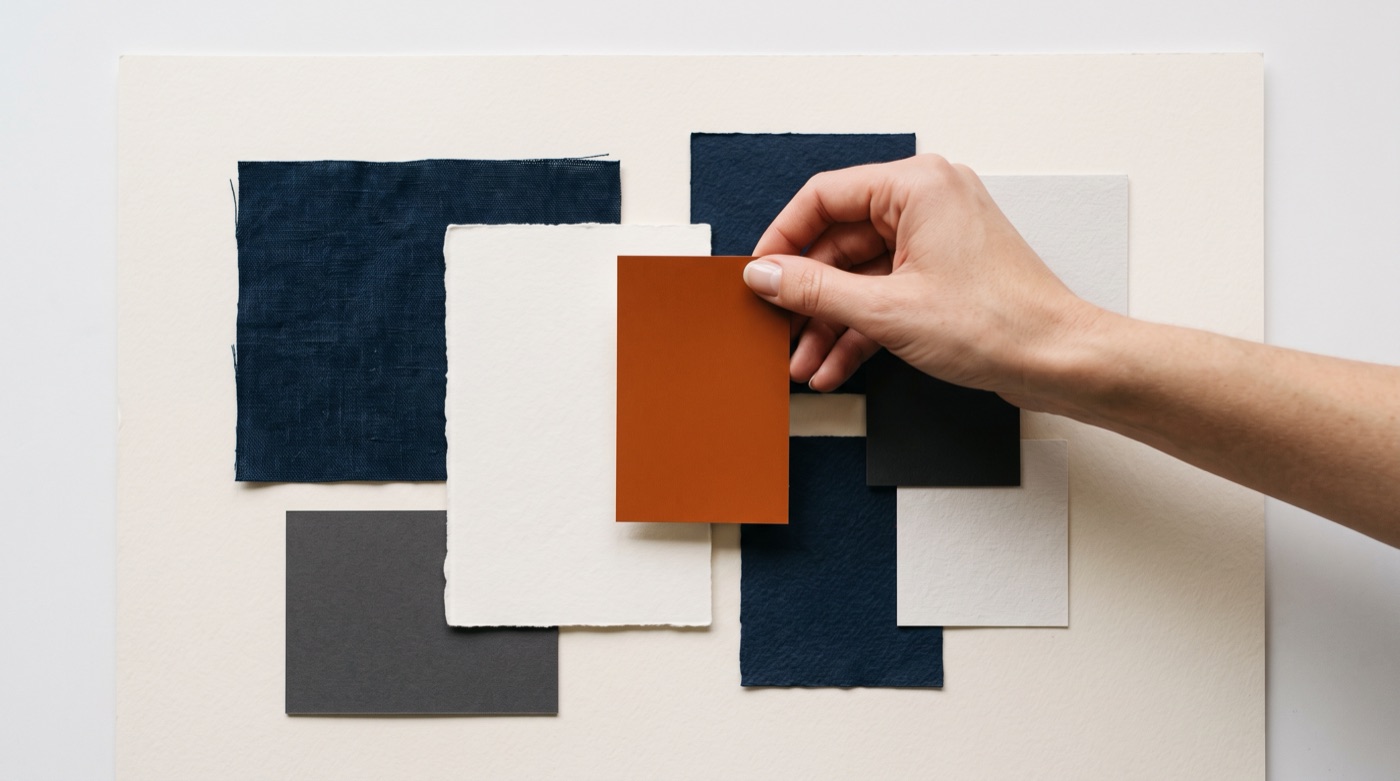
So before handing anything to a platform, get your own rules in order: primary and secondary colors, typefaces, logo usage, tone of voice, and the images and words that must never appear. As we discussed in Is your brand guide readable by AI?, machine-readable brand guidelines are what make AI output look like you rather than like everyone else.
Another easily overlooked risk is over-reliance on one platform. Google's and Meta's tools are tied to their own ad systems and each has its own stylistic tendencies. As we noted in What Sora's shutdown teaches brands, what a brand should truly own is its asset library and its guidelines, not any single tool.
A pre-launch checklist for AI video ads

AI-generated video is fast, but that does not mean it can go live untouched. Every AI video ad should pass at least these checks before it runs:
- Product accuracy: has the AI altered the product's shape, color, logo or packaging? This is the most common and most damaging AI video error.
- Visual artifacts: distorted hands, garbled text and physically impossible motion instantly break the viewer's trust.
- Claims and compliance: exaggerated claims and unauthorized people or locations need human review. If your target markets require AI content labeling, handle it upfront; see our guide EU AI Act Article 50: how should brands label AI video?
- Small-scale testing: run the AI version against your existing live-action creative and compare click-through, completion rate and comments before scaling up.
Conclusion: everyone has the tools, taste is the difference
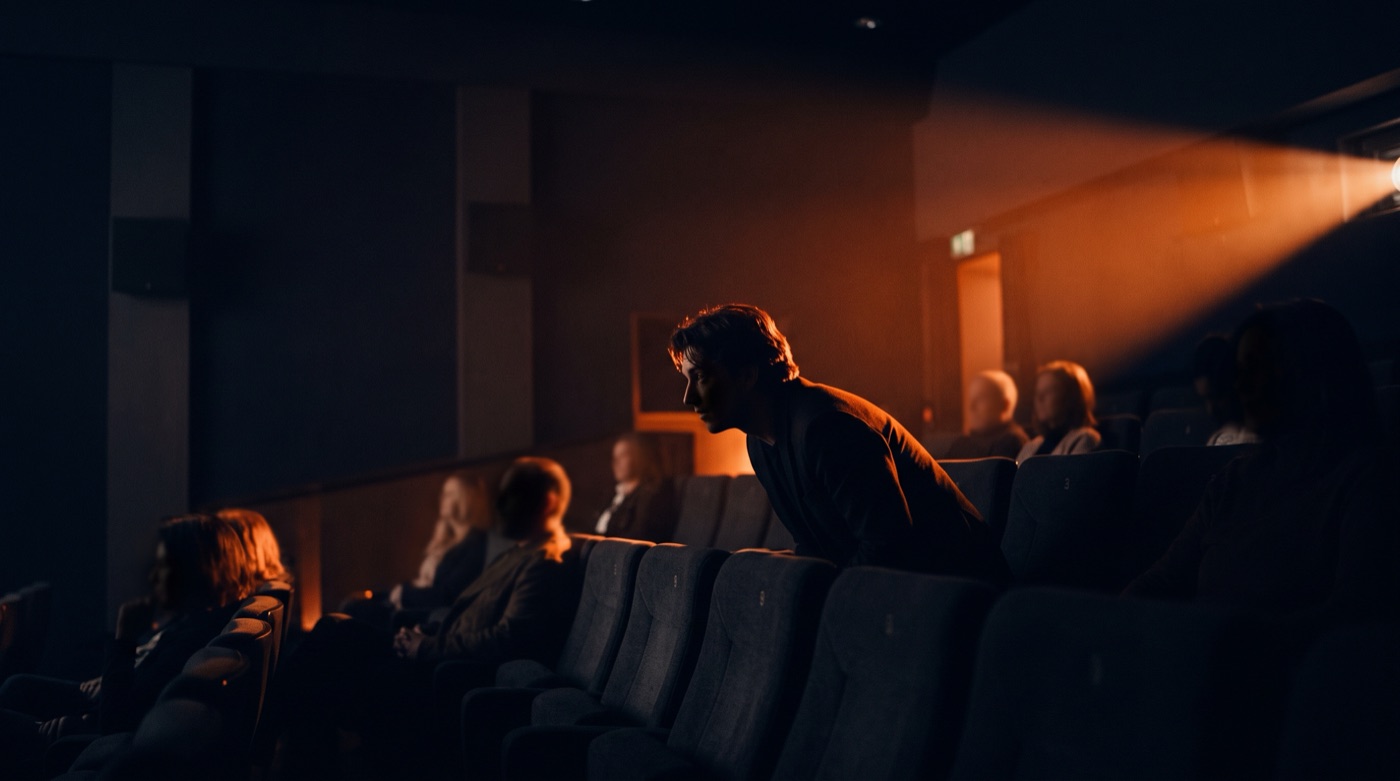
Built-in AI video tools let smaller brands tell stories with video, and that is a good thing. But when everyone holds the same toolkit, what sets a brand apart is still what AI cannot do: a clear understanding of who you are, well-crafted assets, consistent aesthetic judgment, and a demanding eye before anything goes live. AI delivers perfection, people deliver emotion.
If you want to build a brand asset library and video workflow designed for AI, take a look at TitApeX services or get in touch.
Comments