No Reshoot Needed: What to Prepare Before Using AI to Edit Existing Footage
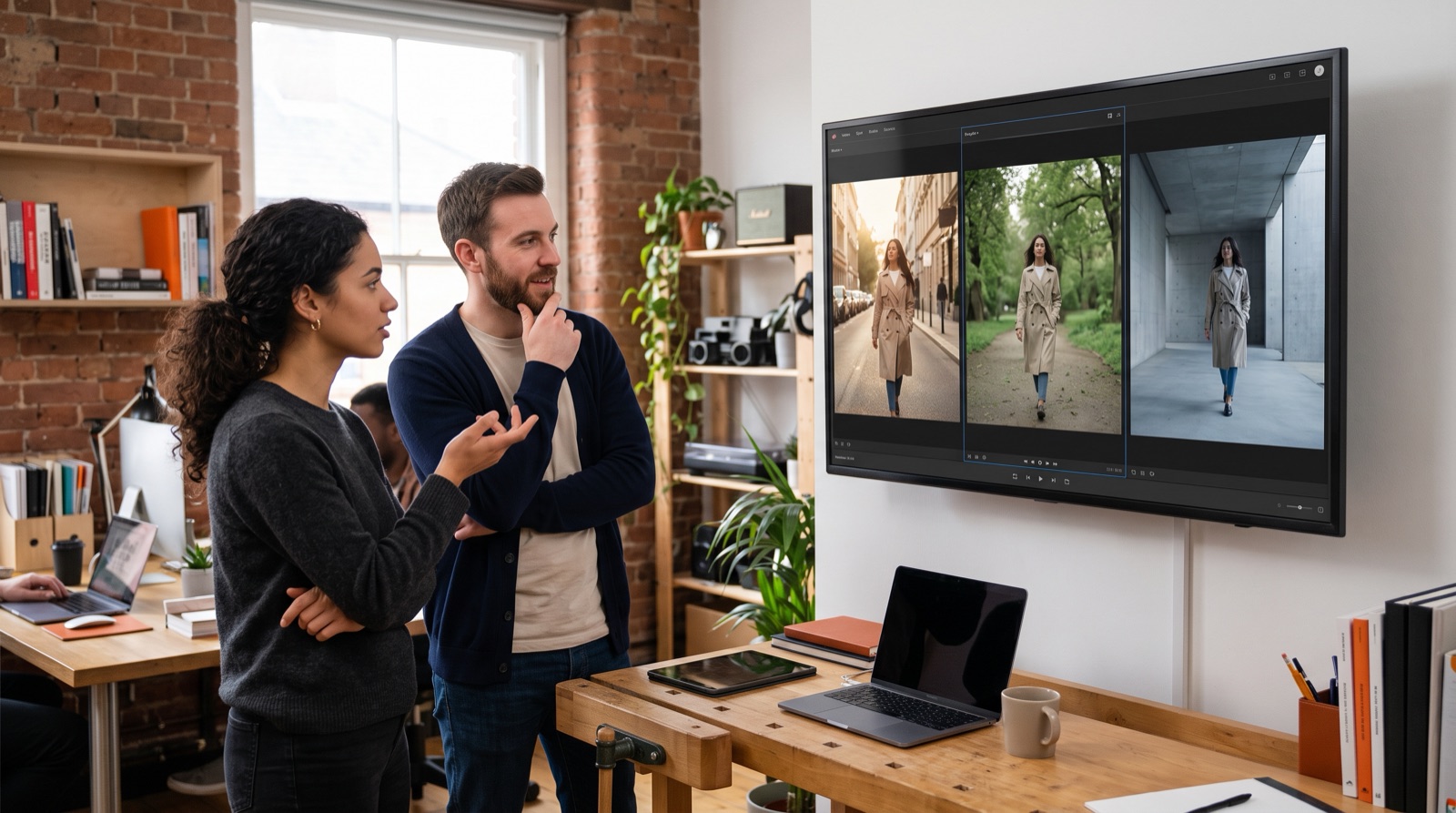
When people think of AI video, they usually picture typing a prompt and getting a brand-new clip. For brands that already have footage, something else is more useful: handing that footage to AI and asking it to change things. Swap the background, relight the scene, change the wardrobe, remove a stray object, or even add a camera angle nobody shot on the day. This kind of AI video editing has matured quickly over the past year, and Runway, Luma and Adobe all offer tools for it. The point is not to replace the shoot. It is to make the footage from one shoot last longer and travel further. This article covers what the tools can do today, and what a brand should organise and rule out before touching a frame.
AI video editing: from generating new shots to changing existing ones
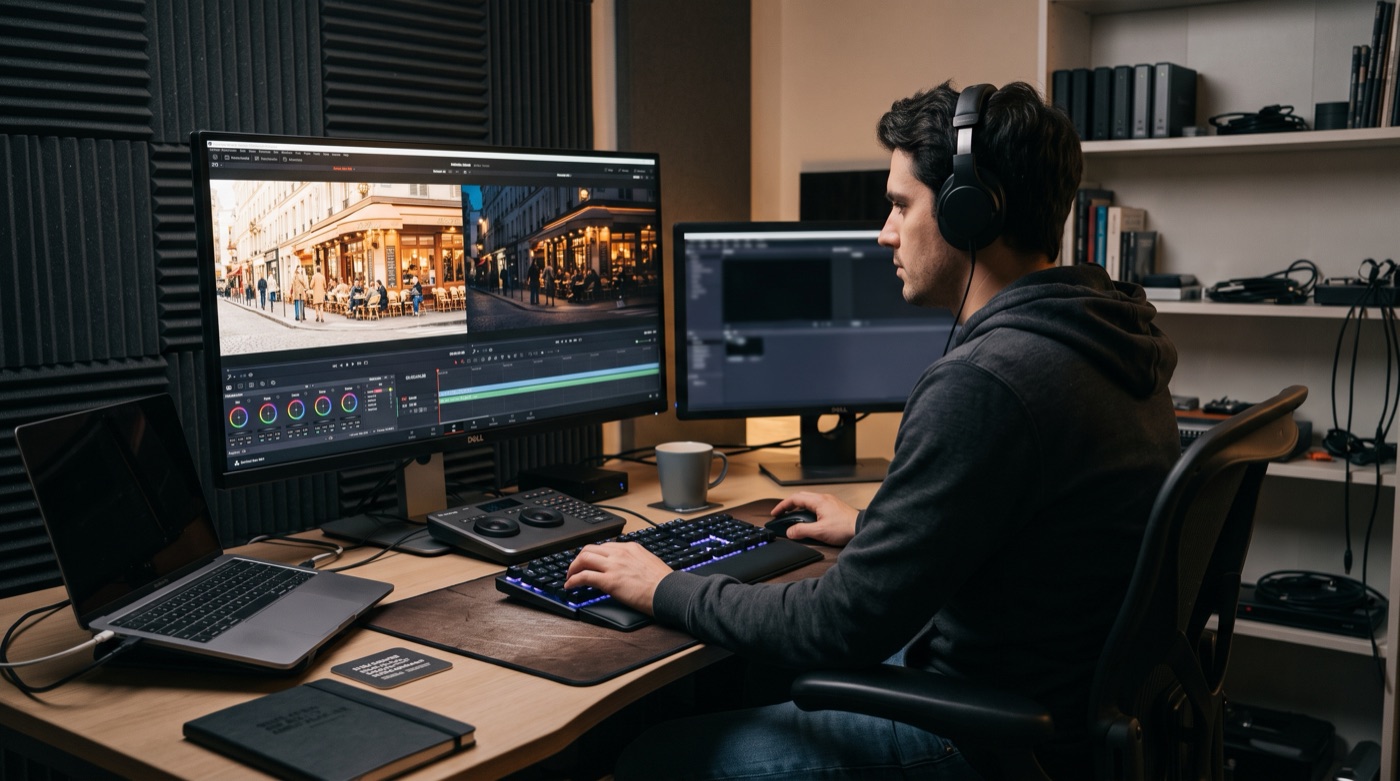
The main tools start from different places but head the same way: real footage is the base, and AI changes it.
- Runway Aleph: announced in July 2025 as a model for editing and transforming existing video. According to No Film School's rundown, it can generate new camera angles and reverse shots of an existing scene, change location, season and time of day, add or remove objects, retexture or replace them, relight a scene and extract subjects as a green screen would. It launched with early access for enterprise customers and creative partners before rolling out more widely.
- Luma Ray3 Modify: announced in December 2025. TechCrunch reported that it keeps the original actor's motion, timing, eye line and emotional delivery while the look changes, supports character reference images for changing appearance and costume, and can generate transitional footage between a start frame and an end frame.
- Adobe Firefly Video Editor: RedShark News reported in April 2026 that Adobe added Enhance Speech, colour controls and Adobe Stock integration to the Firefly Video Editor, and brought Kling 3.0 into a roster of more than 30 models, so generation and editing happen in one place.
Clip length is worth noting. In its own comparison article, Luma says standard clips run 5 to 10 seconds. These tools currently work on one shot at a time, not a whole film in one go.
Three situations where brands will use it most
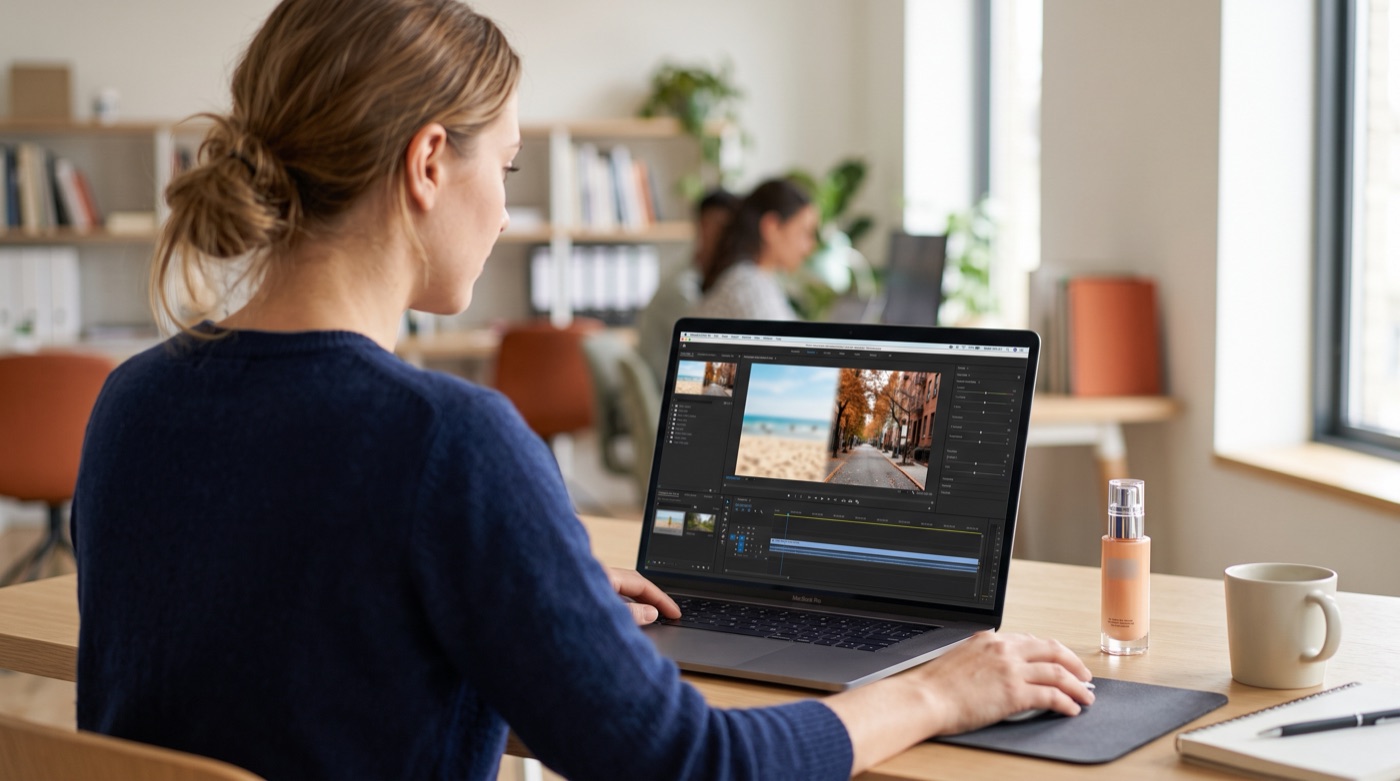
1. One shoot, several versions
The same product film, set in a different season, time of day or location, matched to different campaigns and markets. That used to mean several location shoots. Now it can start from a single set of footage.
2. Fixing small problems without a reshoot
Clutter in the background, outdated packaging, a shot with poor light. These used to mean a reshoot or long hours in post-production.
3. Adding the angle you did not shoot
Discovering in the edit that a reverse shot or close-up is missing is a familiar problem. Generating a new angle from existing footage can fill the gap, as long as someone checks it against the original for details that have drifted.
All three share one feature: the performance and the product are real, and AI changes the conditions around them. That is why brands find this route easier to accept than pure generation.
Before you start, organise four things
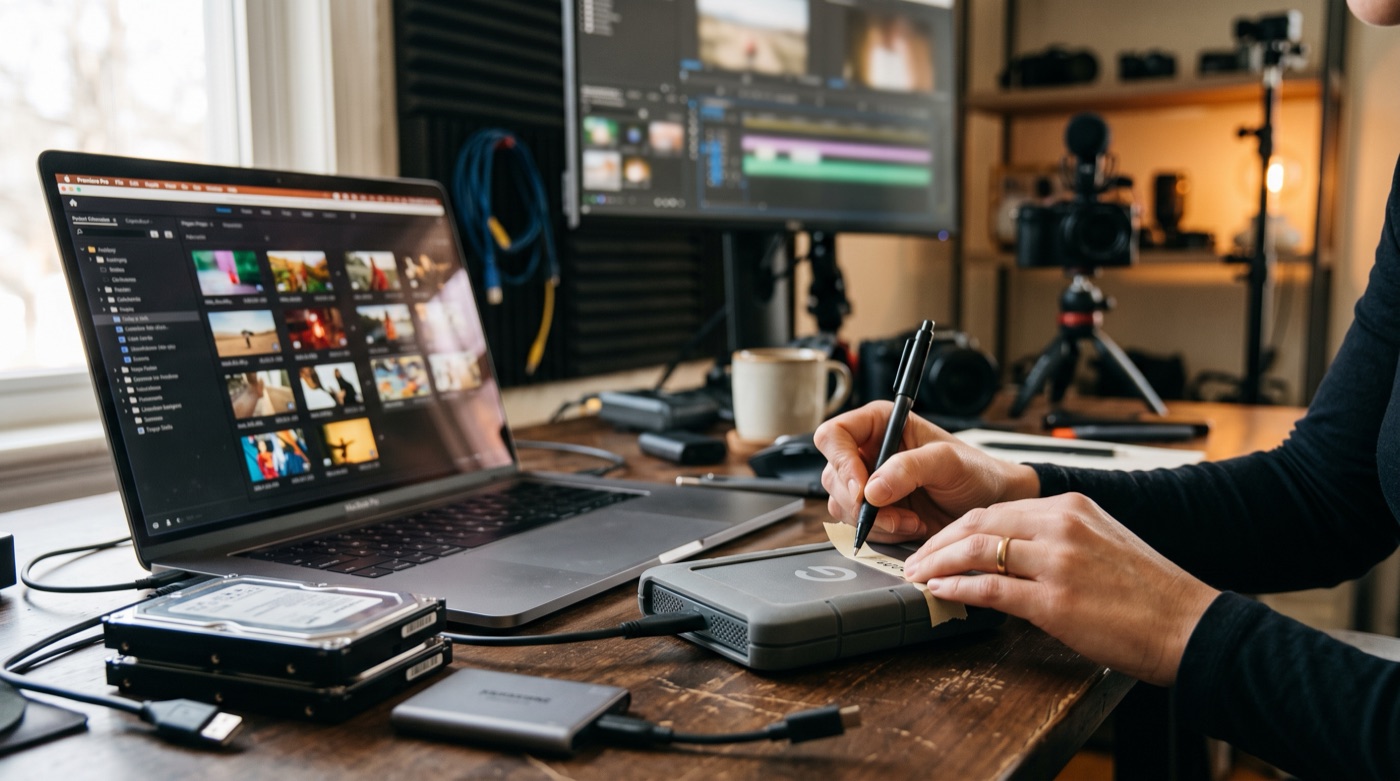
The quality of the edit depends on the quality of the input. Before starting, have these ready:
- Original files: use the high-quality files from the shoot, not a compressed copy downloaded back from a social platform.
- A shot list: break the film into individual shots and note what changes in each one, and why. The tools handle limited lengths, and working shot by shot makes checking easier.
- Reference images: clear pictures of the new setting, wardrobe or packaging are far more reliable than a text description.
- Rights records: release forms for the people on screen, and the licence terms for music and stock. Check whether the original consent covers reuse after AI modification.
What not to change: AI edits, people hold the line

Being able to do something does not mean you should. Draw a line around three kinds of edit:
- How the product really performs: change the background and the light, but not the product's actual appearance, size, colour or results. Making a product look better than it is counts as misleading advertising, not post-production.
- Real faces and bodies: changing an actor's look, age or wardrobe needs their written consent, with the scope spelled out.
- Documentary material: customer testimonials, event coverage and real store footage are valuable because they are real. The less you change, the better.
The division of labour looks like this:
- AI handles: new settings and lighting, removing clutter, extra angles, fast versioning.
- People handle: deciding what may be changed, checking details against the original, confirming rights, and judging whether a label is needed.
On labelling, if the film will run in European markets, see our guide to how brands should label AI video under Article 50 of the EU AI Act. Keep both the edited result and the original files in your own storage, for the reason we gave in what Sora's shutdown teaches brands: tools change, and footage is the asset.
Conclusion: the shoot captures what is real, AI extends its life
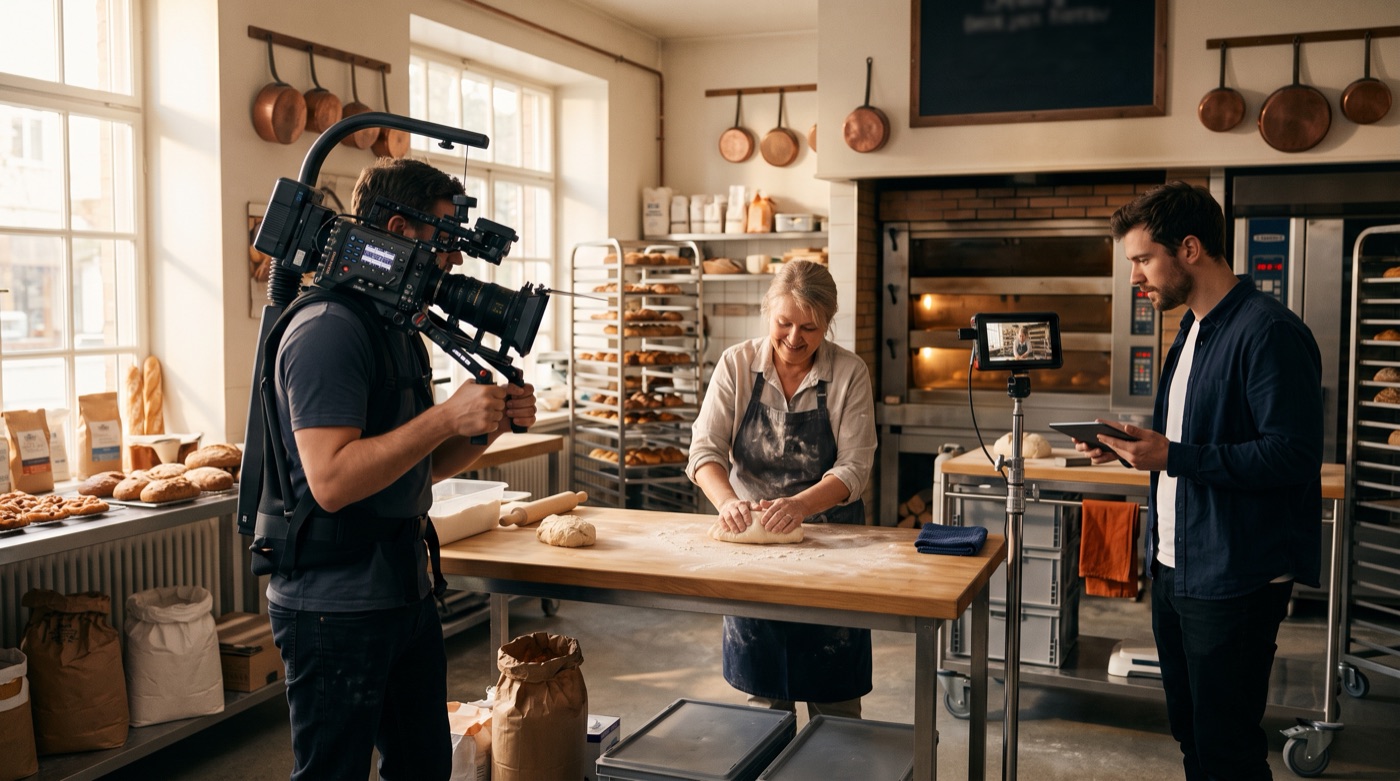
For a brand, the biggest value of AI video editing is not skipping the shoot. It is making every shoot worth more. Real people, real products and real performances are what audiences are willing to believe. Settings, lighting and versions can be extended by tools. This is what TitApeX means by "AI handles perfection, people handle what moves us": film the moving part well, then let AI carry it to more places.
If you have footage on hand and want to know what it could become, take a look at our services or get in touch.
Comments