AI Now Remembers Your Company: Four Rules to Set Before Turning On AI Memory at Work

Using an AI assistant used to mean introducing yourself every time you opened a new chat: who you are, what the company does, what format your manager likes. Not anymore. In August 2026, Anthropic brought memory into Claude Cowork, so the AI can carry context from months of past conversations into multi-step work, and the feature is on by default. That is a real convenience, but it raises a new question: what does the AI remember about your company, and whose account holds those memories? For businesses, AI memory at work is not just a personal productivity feature. It is company information that needs to be managed. This article covers the latest developments and four rules to agree on before you roll it out.
AI Memory at Work: From Re-Explaining Everything to Being Remembered
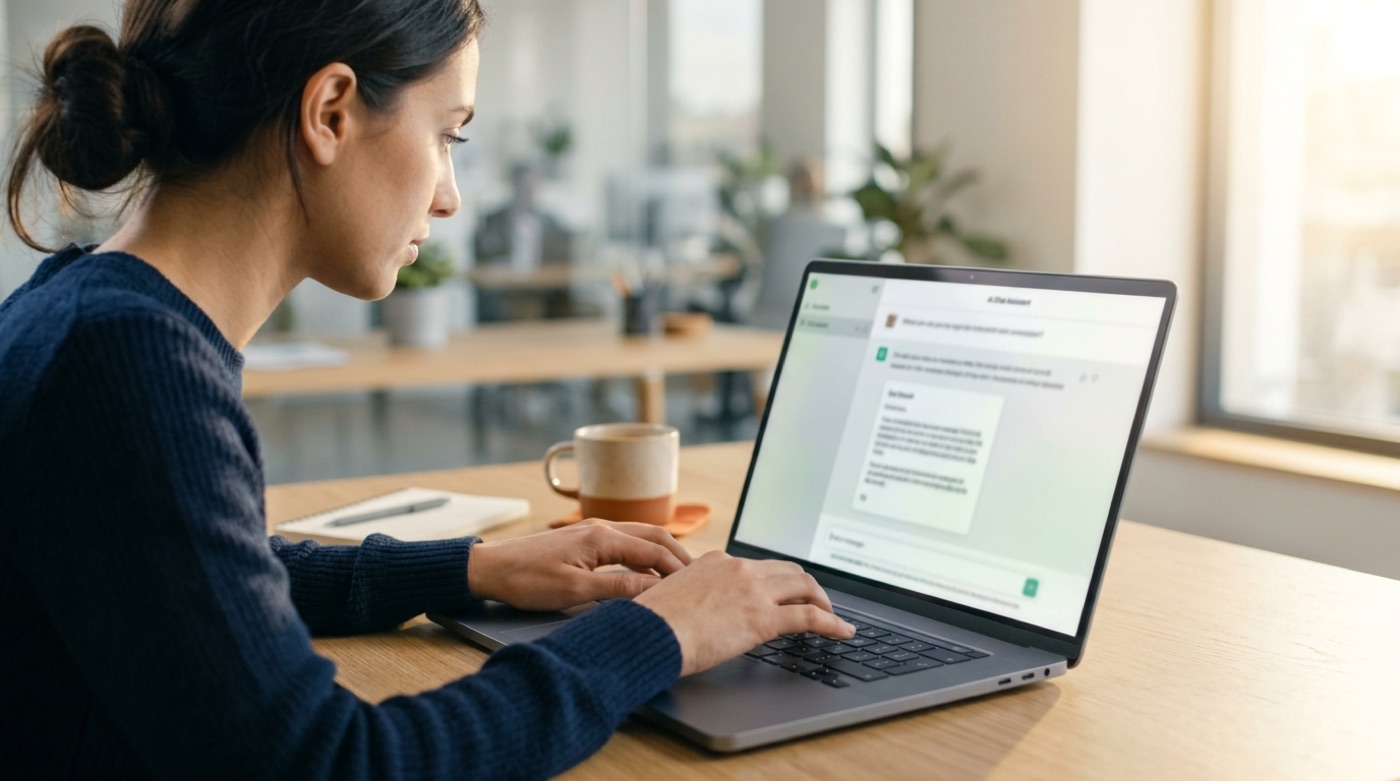
According to SD Times on August 25, 2026, memory in Claude Cowork carries context built up in conversations into later tasks. Ask it to draft a progress update for your manager, for example, and it writes in line with the manager's preferences it has already learned.
These memories are stored as files that users can view, edit or delete in settings. On privacy, sensitive topics such as health, ethnicity and gender identity are excluded by default, and even if a user turns that option on, sensitive personal data such as government ID numbers or criminal history is not stored.
This turns AI from a tool you have to re-teach every time into an assistant that builds up experience. For teams handling clients, projects and reports every day, the time saved adds up quickly.
The More It Remembers, the Bigger the Risk: Three Concerns

The flip side of convenience is that AI is quietly accumulating company information. We see three risks worth watching:
1. Company information flowing into personal accounts
If employees use personal accounts, client lists, pricing strategies and project details can end up stored where the company has no control. It is the same shadow AI problem we described in Your Team Is Already Using It, only less visible: what used to be a one-off chat is now a memory that lasts.
2. New hires bringing a former employer's memories
In a July 2026 essay, engineer Tian Pan warns that new hires who keep using personal AI accounts may still have a former employer's architecture decisions or product plans in memory. A company could take in someone else's confidential information without knowing it, and its own secrets could leave with a departing employee's account.
3. Deleting does not always mean deleted
Workday researchers found that when only the original record was deleted but an AI-generated summary remained, the deleted information could still be recovered about 20% of the time. Removing both the original and the summary brought leakage close to zero. The lesson: "deleted" does not always mean "gone," so ask vendors exactly what deletion covers.
Four Rules to Agree On Before Rolling Out AI Memory

1. Work memories live only in company accounts
Give employees team or enterprise accounts and make the rule clear: work-related memories belong only in accounts the company manages. The best approach is to make the company version good enough that nobody needs a personal one.
2. Define what can and cannot be remembered
Write down what the AI may remember, such as formatting preferences, brand voice and common workflows, and what it should not, such as customer personal data, unreleased financial figures and contract terms. This list can be built together with the business context we covered in Smart Model, Clueless About Your Company.
3. Review and clean up regularly
Each quarter, ask the team to open their memory settings, check what the AI remembers and delete anything outdated or inappropriate. When buying tools, ask vendors whether deleting a memory also deletes the AI-generated summaries.
4. Build memory into onboarding and offboarding
When someone joins, have them start with a fresh work account rather than carrying over personal memory. When someone leaves, export or delete work-related memories according to company policy, and remind them that company information in a personal account remains confidential.
AI Remembers, People Decide

The value of AI memory is that teams stop repeating themselves and focus on work that needs judgment. But what to remember, for how long and who can see it will always be human decisions:
- AI handles: remembering formatting preferences, work context and common workflows so every collaboration runs more smoothly.
- People handle: deciding what information can be given to AI, reviewing memory regularly, and taking responsibility for client and company confidentiality.
Manage AI memory as a company asset, and it becomes a boost for the team instead of an invisible risk.
Conclusion: Let AI Remember the Right Things

AI will remember more and more. That is both a trend and an opportunity. The real difference lies in whether a company has thought clearly about what deserves to be remembered and what should be forgotten. AI handles perfection, people create emotion, and people also hold the line.
If you are planning AI adoption and usage policies for your team, or need a custom AI tool with proper data controls, take a look at TitApeX's services or get in touch.
Comments