
Read Before It Is Opened: How to Write Brand Emails for the AI Inbox
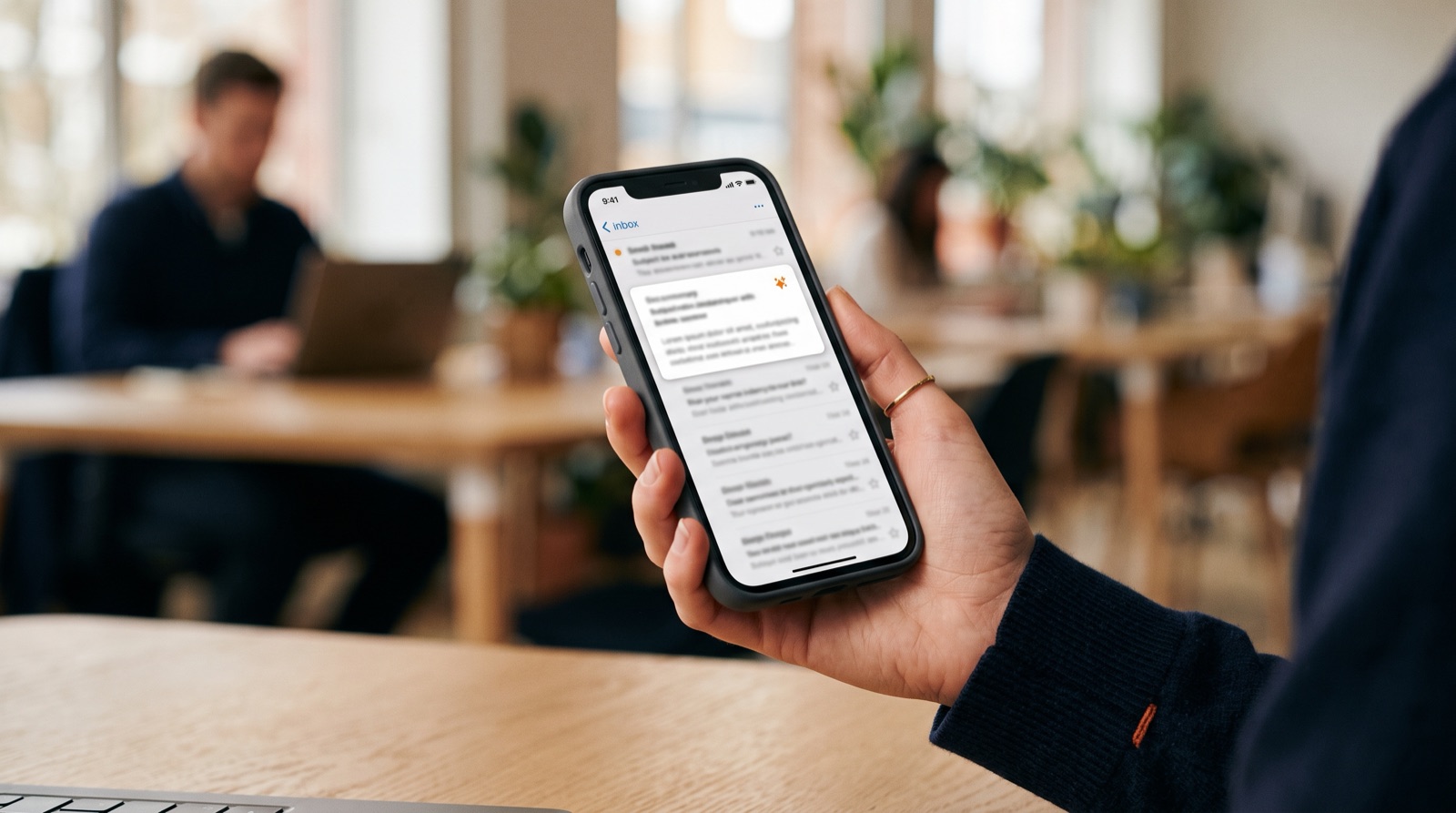
Writing a newsletter used to mean competing for three seconds of a subscriber's attention: a strong subject line, a good preview. There is now an earlier reader. Gmail and Apple Mail both let AI read a message before the recipient opens it, turn it into a summary, and even decide where it sits. The AI inbox is not a forecast; it is already running on some of your subscribers' phones. This article covers what has changed, what it means for brand emails, and four adjustments worth making now.
Three things the AI inbox does

In a July 2026 report, marketing agency PMG noted that Apple Mail, Gmail and Yahoo Mail together account for roughly 74% of consumer email usage, and all three now use AI to do the same three jobs:
- Summarise. Apple Mail replaces the sender's preview text in the inbox list with a one-line AI summary. It is generated on the device, and senders can neither control it nor switch it off.
- Rank. Google's AI Inbox drops chronological order and sorts mail into two sections: suggested tasks and topics to catch up on. According to email provider EmailLabs, it is available to paying Google AI subscribers first, with a gradual rollout to follow.
- Answer. At I/O in May 2026, Google introduced Gmail Live, which lets people ask their inbox out loud, "what was that discount code?", without opening a single message.
One caveat: AI Inbox is an additional page inside Gmail. It has not replaced the regular inbox or its tabs. The shift is gradual, not overnight.
What it means for brand emails: open rate no longer tells the story

The first effect is on measurement. When a subscriber learns the gist from a summary, or gets the discount code by asking the AI, they may never "open" the email, yet they received the message and may even have bought. PMG's report makes the same point: traditional email tests and performance metrics may show only part of the business impact.
The second effect is on visibility. After studying the beta, personalisation platform Movable Ink concluded that ordinary promotional emails are unlikely to appear among suggested tasks. Messages that are personal and time-bound, such as "your points expire in three days", stand a better chance. That is one vendor's observation, not a rule published by Google, but the direction is clear: AI surfaces the email that is useful to this person, not the brand that sends most often.
Four things to adjust

1. Put the point in the first 150 characters
AI summaries draw mostly on the top of a message. State the offer, the date and the call to action within the first 100 to 150 characters. Skip openers like "Dear member, thank you for your continued support". That line may well become the entire summary.
2. Let text and structure carry the message, not one big image
An email made of a single beautifully designed image gives AI very little to read. Headings, subheadings, bullet points and bolded key lines help it pick the right content. Email design tool Stripo warns that when structure is messy, AI may pull from the legal footer or the unsubscribe line instead.
3. Protect your sender reputation
Domain authentication (SPF, DKIM, DMARC) is the baseline. Engagement quality matters more: a list full of people who never open or click drags down your overall relevance. Cleaning the list and controlling frequency does more than sending one extra email.
4. Change the scorecard
Treat open rate as a reference only. Focus on clicks, return visits, actual sales and unsubscribe rate. If a campaign's open rate falls while revenue holds, the problem may be the measurement, not the content.
AI organises; people make it worth reading

The AI on the inbox side does one thing: judge whether this email is useful to the recipient. There is no shortcut around that judgement. Only the value of the email itself counts.
- AI handles: summarising content, extracting dates and offers, ranking by relevance, answering the recipient's questions.
- People handle: deciding why this email deserves to be sent, writing with a point of view and warmth, judging timing and frequency, and keeping a relationship that readers want to open.
Put differently, what you write for AI must be clear; what you write for people must be worth it. The two do not conflict, and neither is optional. It is the same idea we explored in Can AI Read Your Brand Guidelines?: brand content has to be readable by machines and felt by people.
Conclusion: email is still a channel you own

Search and social traffic depend more and more on platforms; email remains one of the few channels a brand owns directly. The AI inbox has not taken that away. It has raised the bar: send clearly, send something useful, and send it to people who want it. That is what TitApeX means by "AI handles perfection, people create what moves you."
If you would like to review your email templates, content structure and performance tracking, take a look at our services or simply talk to us.
Comments