
Android Developer Verification Is Here: 4 Things to Check Before You Commission an Android App
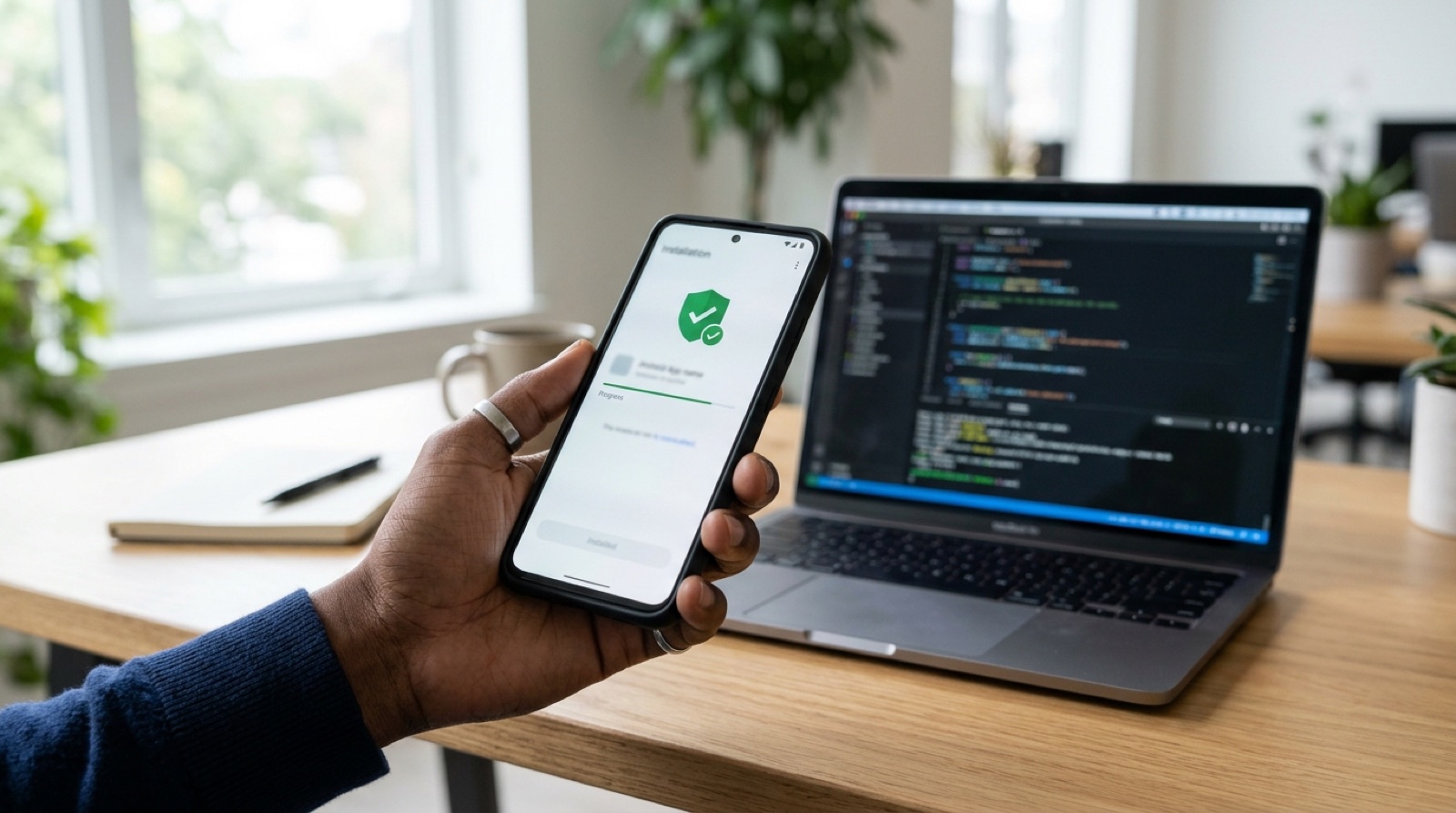
Android has long been known as the open platform: an app didn't have to live on Google Play, and you could hand an install file straight to staff or customers. That is changing. Since September 30, 2026, Android developer verification has been in force in Brazil, Indonesia, Singapore and Thailand. On certified Android devices, apps installed from participating stores must now come from registered, identity-verified developers, and Google has said the requirement will expand globally from 2027. Taiwan is not in the first wave, but if you are about to commission an Android app, now is the right time to get the rules straight.
What Is Android Developer Verification? Four Countries First, Global in 2027

Google describes developer verification as an extra security layer for Android, designed to stop bad actors from simply changing names and spreading harmful apps again. According to the official Android Developers documentation, the key points are:
- September 30, 2026: Enforcement begins in Brazil, Indonesia, Singapore and Thailand on certified devices running Android 7 or later. Participating stores include Google Play, Samsung Galaxy Store, Xiaomi GetApps, the OPPO, vivo and HONOR app markets, and Transsion's Palm Store.
- 2027 onward: Verification expands to apps on certified devices worldwide.
- Two registration paths: Developers who distribute only outside Google Play use the new Android Developer Console. Developers on Play use Play Console, and Google says about 99% of Play apps are registered automatically.
Users can still install apps from unregistered developers, but only through Google's "advanced flow": enable it in Developer Options, authenticate, restart the phone and wait 24 hours. For an ordinary customer or a frontline employee, that effectively means the app won't get installed.
Check 1: Whose Name Is the Developer Account In?
This is the point most often overlooked when commissioning an app, and the most painful to fix later. Verification is tied to identity. Organizations must provide a D-U-N-S number (a free nine-digit business identifier from Dun & Bradstreet that can take up to 28 days to obtain), while individuals must provide a government-issued ID. A full distribution account in the Android Developer Console costs US$25.
If your app is registered under your agency's or a freelancer's account, the system considers the app theirs. If you switch vendors or the relationship ends, you may need to republish, or even lose your package name. Our advice is simple: open the account in your company's name, keep admin control, and add the development team as members. It's the same principle we covered in "Who Owns the Code AI Wrote? Four Things to Put in Your Custom Software Contract": the product is yours, so the keys should be too.
Check 2: Signing Keys and Package Names—Lose the Key, Lose the Registration
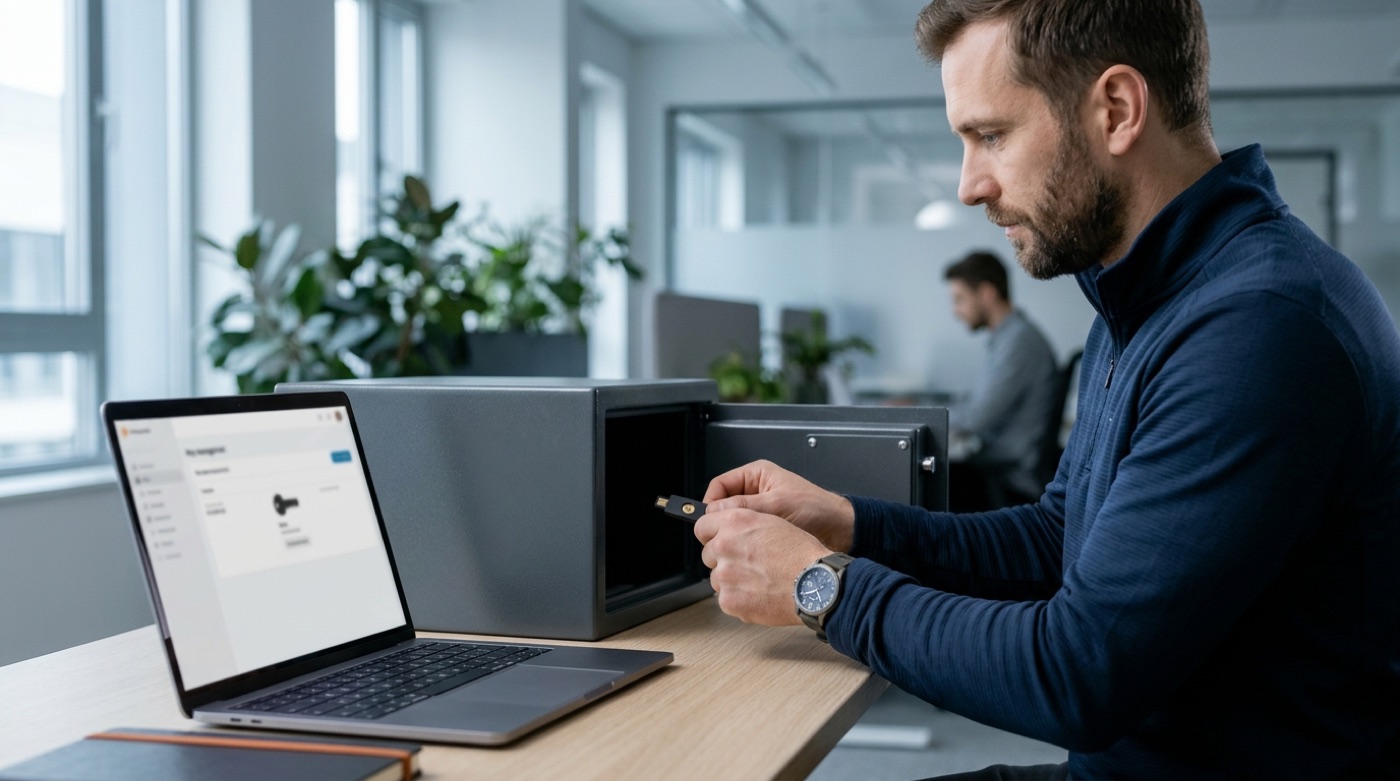
Every Android app has a package name (for example, com.yourbrand.app) and a signing key that proves "this app really comes from me." Developer verification asks you to prove ownership of the package name with that key, and Google's FAQ is blunt: if you lose your signing key, you can't register your packages.
When you commission an app, confirm three things:
- Who holds the key, and where: Ideally Play App Signing or a secure key management solution, not a file on one engineer's laptop.
- Whether the package name is already taken: If someone else is using it, you may need a new name or an additional review.
- A clear handover document: Keys, account permissions and store settings should all be on the project's final delivery checklist.
Check 3: How Will the App Reach Users?

Not every app goes on a store. Many companies build internal tools, dealer-only apps or services for VIP members. Under the new rules, each distribution path is affected differently:
- Google Play: Most apps are registered automatically, so the impact is minimal.
- Direct downloads outside Play: You need to verify and register in the Android Developer Console; otherwise users face the 24-hour advanced flow.
- Managed enterprise devices: Apps distributed through your organization's own store to managed devices don't need verification, since IT admins have vetted them. Google still recommends registering them so installs don't stall if the app lands on an unmanaged device.
- Development and testing: Installs via ADB don't require verification and aren't subject to the 24-hour wait, so internal testing workflows don't need a major overhaul.
Google has also introduced limited distribution accounts, which let students, teachers and hobbyists share an app with up to 20 devices without ID or a fee. That works for prototypes, but not for a commercial app in production.
Check 4: Put Verification on the Project Timeline

A D-U-N-S number can take up to 28 days, and identity checks and package registration take time too. If your app targets Southeast Asia or Brazil, you are already affected; even if you only serve Taiwan, it's best to be ready before the global rollout in 2027. We recommend adding these items at project kickoff:
- Apply for a D-U-N-S number and open the developer account in your company's name.
- Decide on distribution: Play, direct download from your website, or managed devices.
- Agree on how signing keys are stored and handed over.
- Leave time for verification and review rather than leaving it to the week before launch.
None of this touches the app's features, yet it decides whether the app actually reaches users, and whether you stay in control if you change vendors later. If you're planning a membership app, see also "App Stores Loosen Their Grip: Plan Payments and Membership Before You Commission an App."
Conclusion: Stricter Rules Are Good News, and a Reminder

Developer verification makes the Android ecosystem safer, and it makes the question "who really owns this app?" much clearer. For brands that commission apps, it's a good opportunity to get accounts, keys and distribution in order once and for all. AI helps us write code faster, but these decisions about ownership and trust still need people to think them through from the start. If you want to build an app you can run for the long term, explore TitApeX's custom development services or get in touch.
Comments